The Shopify 20-Theme Limit Is a Workflow Problem
Nobody hits the theme limit because they need twenty themes. They hit it because every review round left one behind — and then someone deletes a merchant’s backup to make room.
The limit, and why it feels arbitrary
A Shopify store on Basic, Shopify or Advanced can hold 20 themes, the published one included. Plus stores get more. Hit the ceiling and any operation that would create another theme fails until you delete something.
Twenty sounds generous. In practice a store that's been trading for three years and worked with two agencies is usually sitting at eighteen, and nobody can tell you what half of them are. The names are things like Copy of Dawn, Copy of Copy of Dawn, Dawn — NEW (do not use) and test.
The problem isn't the number. It's that theme slots get spent by accident and reclaimed under pressure.
Where the slots actually go
Four patterns account for nearly all of it.
1. A push per revision round
Pushing without targeting an existing theme creates a new one every time. Ten rounds of client feedback, ten themes. The client's preview link still points at round one, so you send a new link each round and the old themes stay forever.
# Creates a BRAND NEW theme every time you run it
shopify theme push --unpublished --store client.myshopify.com

# Updates the SAME theme — what you almost always want
shopify theme push --theme 123456789 --store client.myshopify.com
2. Merchant backups nobody owns
Before any risky change a sensible merchant duplicates the live theme. That's good practice and it's also permanent, because nobody ever decides a backup is old enough to delete. Four years of "before BFCM 2024" themes.
3. Previous agencies
Whoever had the contract before you left their review themes behind. You can't safely delete them because you don't know what's in them or whether anything on the live theme depends on assets they uploaded.
4. Theme store trials
A merchant auditions three premium themes, buys one, and the other two sit there indefinitely.
Stop spending slots on client review
The single biggest reduction available is to stop using theme slots for the thing that generates the most themes: getting work in front of a client.
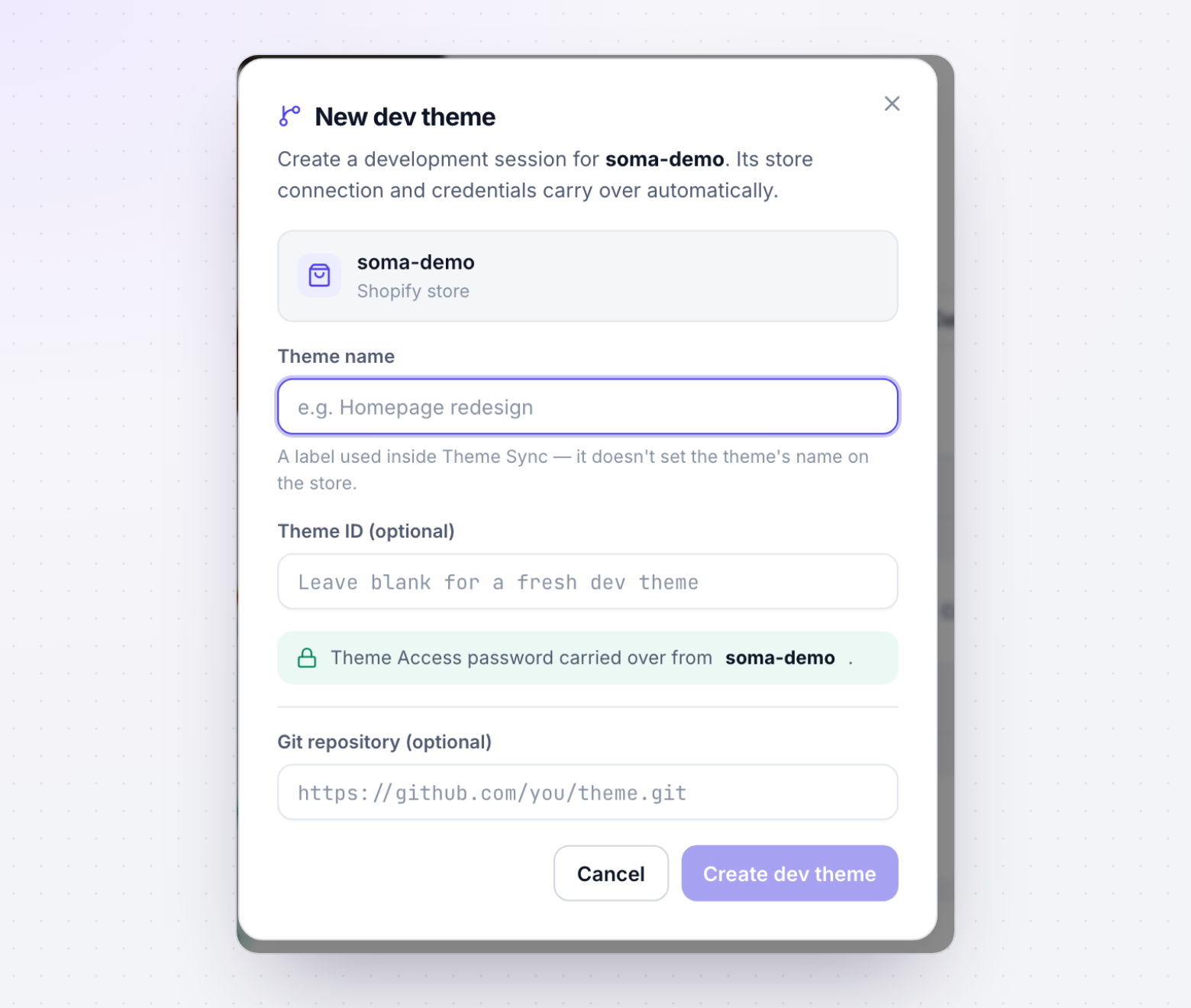
Development themes created by the Shopify CLI don't count toward the limit. They're hidden from the store's theme list, and they're designed for exactly this — rendering work-in-progress against the store's real data. If review happens on a development theme, review rounds cost you zero slots no matter how many there are.
That leaves theme slots for the two things that genuinely need them:
- The live theme.
- One staging theme for the final pre-launch check, deleted or published shortly after.
Everything else — every iteration, every "can you show me the other version", every internal check — can happen without touching the count.
Auditing a store that’s already full
When you inherit a store at nineteen themes, resist the urge to start deleting. Deletion is permanent and some of those themes are the merchant's only copy of something.
- Inventorytheme list
List every theme with id, role and last-updated date. Identify the live one first.
- Exportzip + commit
Download anything not already in git. Cheap insurance against a wrong call.
- Get approvalin writing
Send the list to the merchant and have them confirm in writing what can go.
- Delete & renameconvention
Remove approved themes, then rename survivors so this doesn’t recur.
# Every theme on the store with id, name and role
shopify theme list --store client.myshopify.com

# Export one before you consider deleting it
shopify theme pull --theme 123456789 --store client.myshopify.com --path ./archive/theme-123456789
Triage rules
| Theme | Verdict |
|---|---|
Role is main (live) | Never delete. Confirm this first, before anything else. |
| Your own review theme, project closed and in git | Safe to delete. |
| Merchant backup, under ~12 months old | Keep, or export and get written approval. |
| Merchant backup, years old | Export, then delete with written approval. |
| Previous agency's theme | Export first. Assume it holds something you don't know about. |
| Unused theme-store trial | Merchant's call — they may have paid for it. |
Named test, empty, or clearly abandoned | Export, then delete with approval. |
A naming convention that prevents the recurrence
Slots don't get abandoned because people are careless. They get abandoned because nobody can tell, six months later, whether a theme is still needed. Names solve that.
LIVE — Dawn 15.2
STAGING — checkout revamp — 2026-09
BACKUP — pre-BFCM — 2025-11-14 — delete after 2026-02
AGENCY — acme — homepage refresh — delete on launch

# vs. what stores actually contain
Copy of Dawn (3)
Dawn NEW
test
final-v2-USE-THIS
Three elements make a name useful: what it is, when it was made, and when it can go. A theme carrying an expiry date can be cleaned up by someone who wasn't there when it was created — which is the entire point.
Pair that with a standing rule: deleting review themes is part of project close, in the same checklist as revoking credentials and handing over documentation.
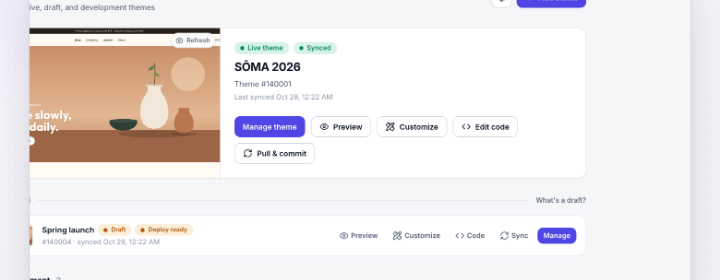
How ThemeSync keeps stores under the cap
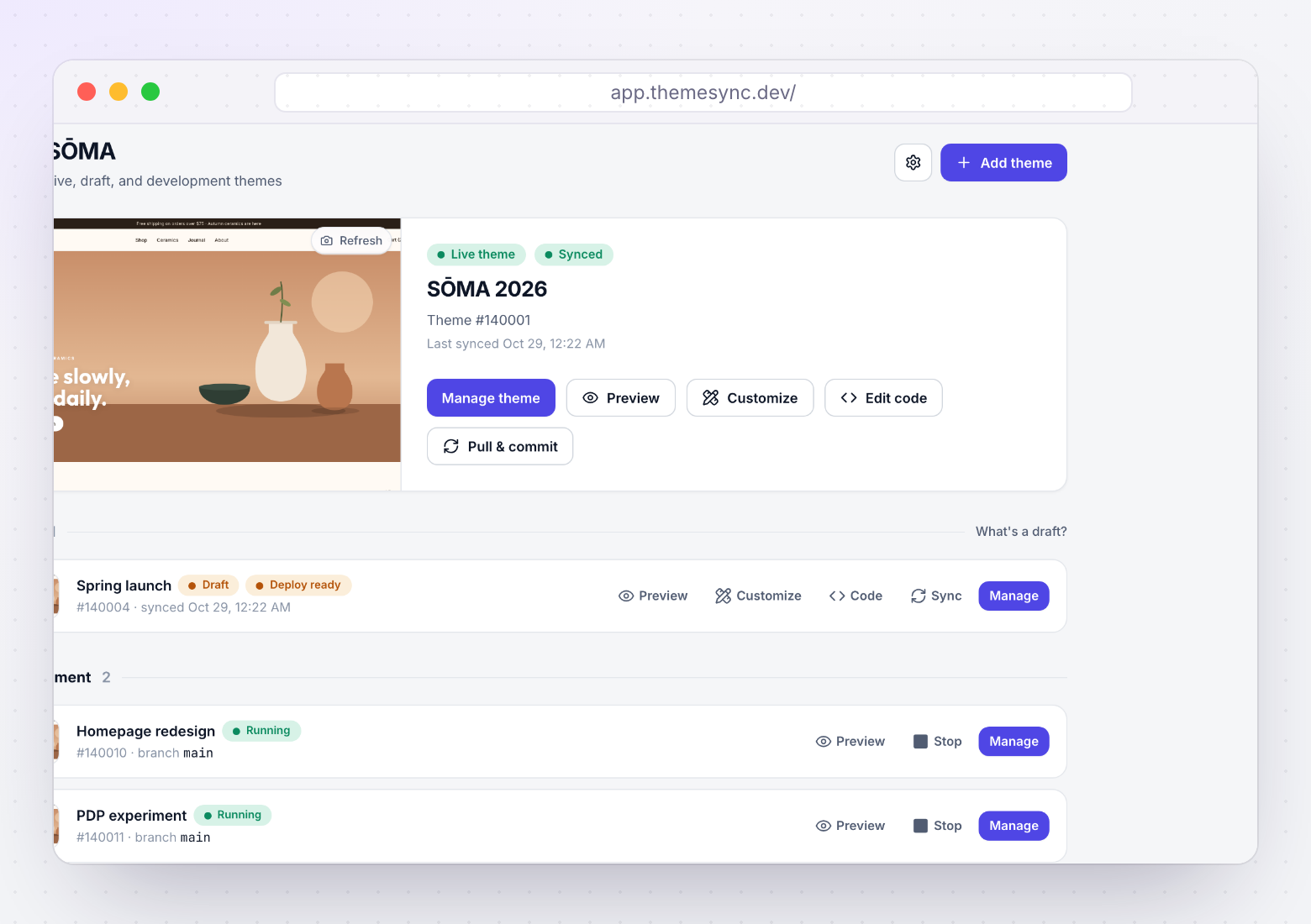
- Review happens on development themes. Client previews, revision rounds and QA all run against a theme that doesn't count toward the 20 — so iteration is free in slot terms.
- Versions are branches, not themes. Showing a client two directions means two branches on one theme, rather than two themes on their store.
- Pushes target a theme instead of creating one. When you do push to the store, it goes to the theme you named rather than spawning
Copy of Dawn (8). - You can see the store's full theme list in context. Every theme with its role and whether anything is tracking it, so an audit doesn't start with guesswork.
- Live and draft themes get pulled into git. Once a theme's history is in version control, deleting it stops being irreversible — which is what makes cleanup possible at all.
Takeaways
- Basic, Shopify and Advanced plans cap a store at 20 themes including the live one. Development themes don't count.
- Slots get spent by review rounds, merchant backups, prior agencies and theme trials — all temporary things nobody owned.
- Pushing without
--themecreates a new theme every time. That single habit accounts for most agency-caused sprawl. - Run client review on development themes and revision rounds cost you nothing.
- Never delete before exporting, and never without written merchant approval. There's no undo.
- Name themes with a purpose and an expiry date so someone else can clean up safely.
Iterate without spending theme slots
ThemeSync runs client previews and revision rounds on development themes, keeps versions as git branches, and shows you every theme on the store with its role. Free for one store.
Try ThemeSync Free →