Compare
Great tools. Too many tabs.
A CLI, a staging site, a feedback tool and a QA spreadsheet. ThemeSync covers the gaps between them.
What each is for
Good tools that stop in different places.
CLIs and staging
Shopify CLI · WP Staging- Great at
- Getting you a working environment.
- Stops at
- The moment a client needs to look at it.
Feedback tools
BugHerd · Pastel · MarkUp- Great at
- Turning client comments into real tasks.
- Stops at
- They comment on a site. They don't run your theme.
Visual regression
Percy · Chromatic · Applitools- Great at
- Catching pixel drift automatically in CI.
- Stops at
- Built for engineers, not client approval.
ThemeSync
The theme project itself- Great at
- Preview, mapping, QA, client review and sign-off together.
- Not for
- Pixel-diffing in CI. Use Percy for that.
The whole picture
Where each category covers you.
| On a theme project | CLI / staging | Feedback tools | Visual regression | ThemeSync |
|---|---|---|---|---|
| Runs your theme on real store data | Yes | – | – | Yes |
| Preview stays up for weeks | Varies | – | – | Yes |
| You always know what's live | Manual | – | – | Yes |
| Templates load on the client's real URLs | – | – | – | Yes |
| Clients comment on the page | – | Yes | – | Yes |
| Cross-browser and device screenshots | – | Their browser only | Yes | Yes |
| Pixel-diff regression in CI | – | – | Yes | – |
| Sign-off before anything ships | – | Task status | Build approval | Yes |
| PageSpeed audits | – | – | – | Yes |
Generalised by category. Individual products differ. The platform pages go tool by tool, with sources.
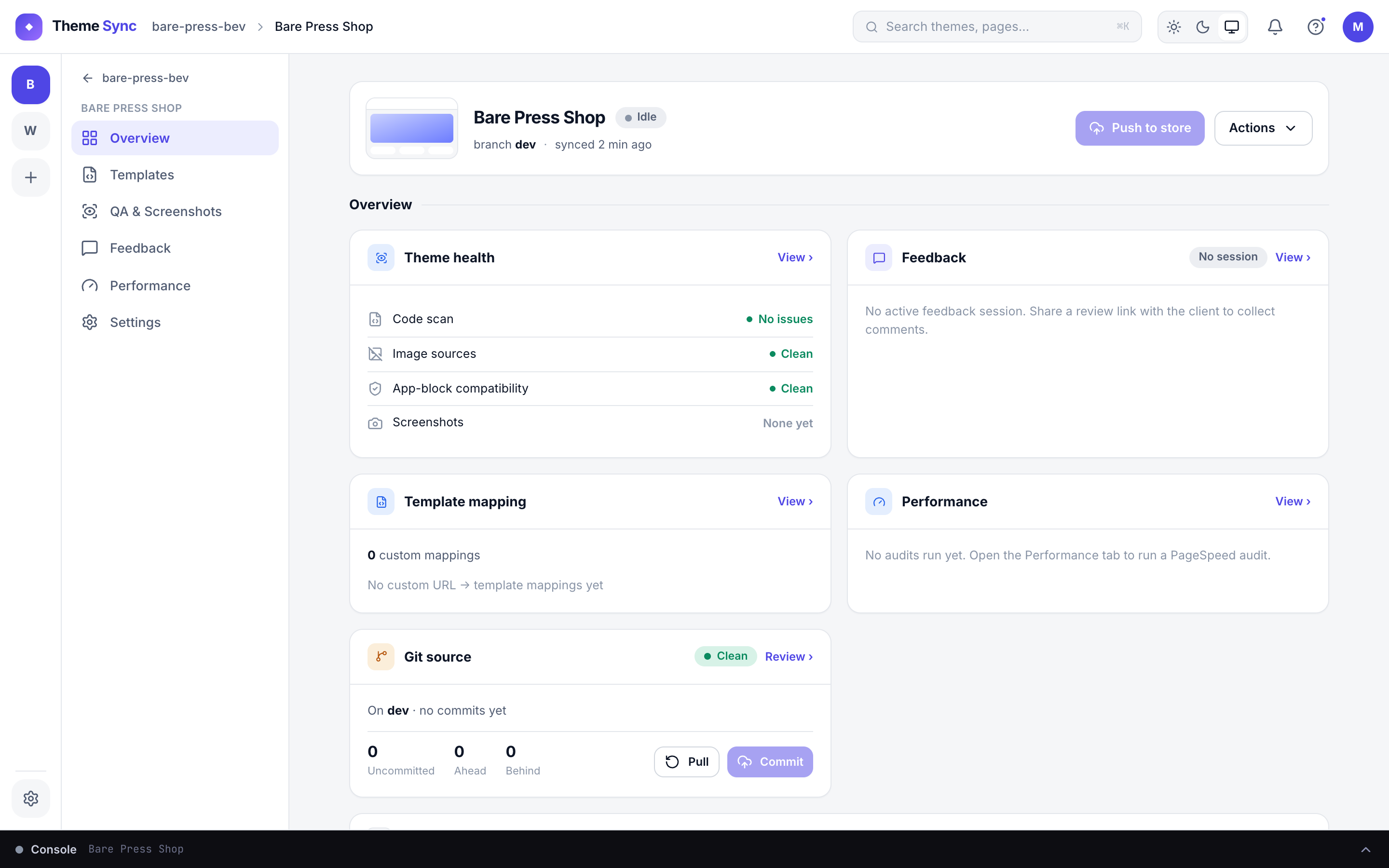
Everything in one window
One store, one theme, every stage.
Pick your platform