Visual QA
Catch the Safari bug before your client does.
Screenshot every page on every device in one click. Your team reviews, approves and signs off in the same place.
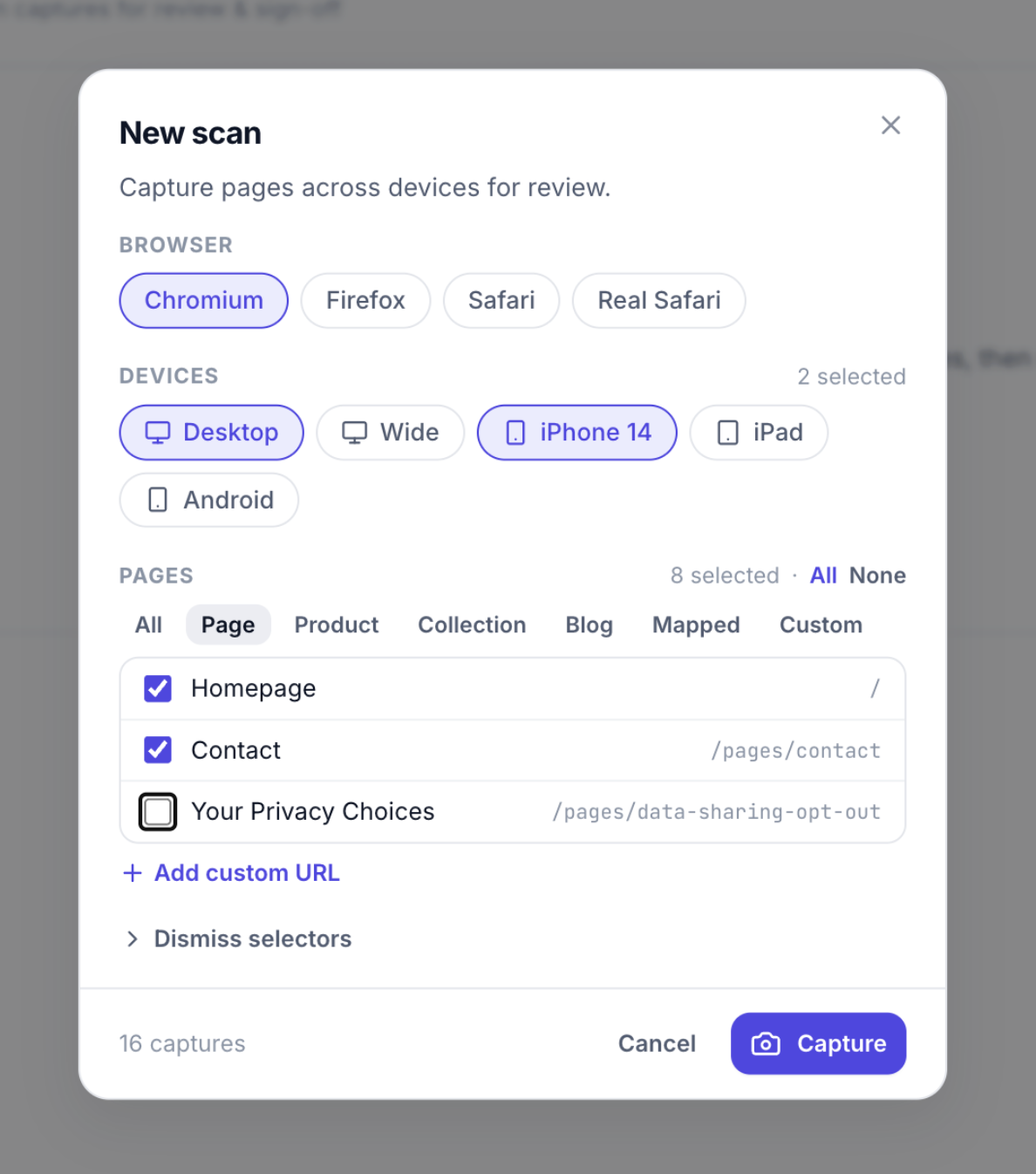
One click
Pick pages and devices. Get 16 screenshots back.
Eight pages on desktop and iPhone 14 is 16 captures you never take by hand.
- Chromium, Firefox, Safari and real iPhone Safari
- Desktop, wide, iPhone, iPad and Android sizes
- Hide cookie banners and popups first
Code scan
Find the bug in the code, not just the pixels.
A scan reads your CSS, JavaScript and Liquid, and flags what older browsers will get wrong.
- Safari prefixes, flex gap, sticky and more
- Old image tags upgraded in one click
- Shopify Theme Check, one button away
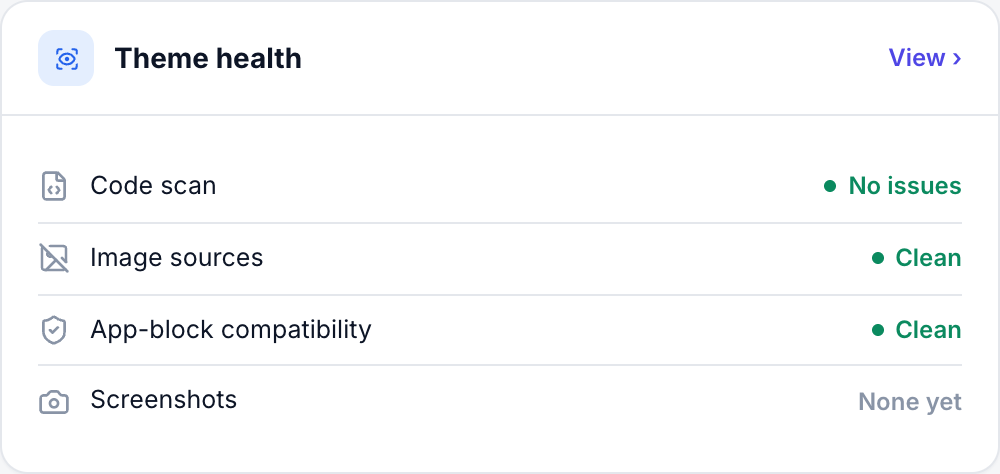
Theme health
Apps that break previews, set aside.
Blocks from apps the dev theme can't load get removed from the preview, then restored when you're done.
- Missing app blocks and sections fixed
- Broken metafield sources cleaned up
- Originals backed up, one click to restore
Sign-off
Proof it was checked, not just a thumbs up.
Designer, QA and PM
Each role approves the scan. You choose which roles are required.
Reject with a note
Flag a shot and say what's wrong, right on the screenshot.
Full-size viewer
Zoom into any capture at the device's real size.
Goes well with