Client Feedback

Feedback on the page.
Not in an email.

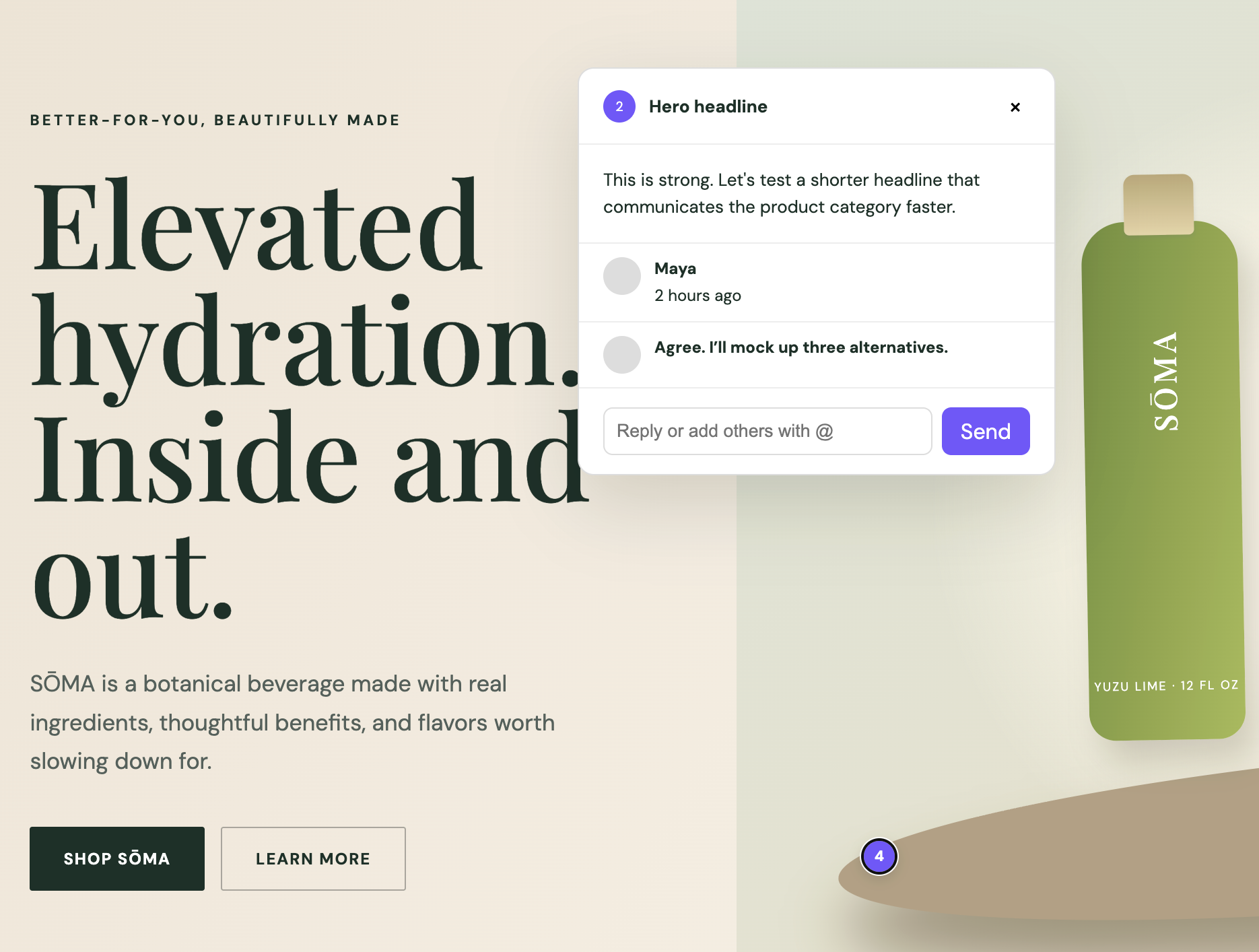
Clients click anywhere on the live preview and leave a comment. Device, browser, viewport — all captured automatically. You get context, not confusion.

acme-drinks.myshopify.com/collections/summer
1
2
S
Sarah K. 2 min ago

"This heading is too small on mobile. Can we bump it up?"

Auto-Captured
BrowserSafari 17.4
DeviceiPhone 15 Pro
Viewport393 × 852 @3x
Page/collections/summer
Client's view (auto-captured)

The old way vs. the new way

Before
  1. Client screenshots their phone
  2. Emails you: "this looks off"
  3. You: "what page? what browser?"
  4. Reply 2 days later: "maybe Chrome?"
  5. You open a spreadsheet to track it
  6. Repeat × 40 comments × 3 people
With ThemeSync
  1. Client clicks the element
  2. Types their feedback
  3. Done — full device context included
2
Comment by Sarah K.
"Can we make this text larger? Hard to read on my phone."
Auto-Captured Context
BrowserSafari 17.4
DeviceiPhone 15 Pro
Viewport393 × 852 @3x
Page/products/jacket
Pin positionx:245, y:612
Auto-Captured Context

You never ask "what browser?" again

Every comment automatically records the reviewer's full device context — browser engine and version, screen dimensions, pixel density, viewport width, platform, and touch support. Zero follow-up questions needed.

  • Browser name, engine, and version
  • Exact viewport dimensions + pixel ratio
  • Platform and touch capability
  • Page URL + XY coordinates of the pin
Internal QA Team
3 comments · 1 resolved
Active
Client — Sarah (PM)
8 comments · 5 resolved
Active
Brand Stakeholder
Expires in 5 days
Pending
Multi-Stakeholder

Different people. Different links. Same context.

Create multiple feedback tokens per site — one for internal QA, one for the client PM, one for the brand owner. All participants see each other's comments, or create isolated sessions for separate review rounds.

  • Multiple tokens with custom labels
  • Set expiry from 24 hours to 30 days
  • Collaborative — everyone sees all pins
  • Reactivate or close sessions anytime
Overview
Templates
Feedback
Comments — /products/jacket
1
Sarah K. Resolved
"Logo should be bigger on mobile"
2
Sarah K. Open
"Text too small here — hard to read"
You replied: "Fixed! Bumped to 16px. Re-check?"
3
Mark D. Won't fix
"Can we change the brand color?"
3 total · 1 resolved · 1 open · 1 won't fix
Manage & Resolve

Track every comment. Close the loop.

View all comments grouped by page. Reply in threads. Mark as resolved when fixed, or out-of-scope to prevent debates. Export everything as JSON for your PM tool.

  • Comments grouped by page + pin number
  • Status: open → resolved / won't fix
  • Reply threads for focused conversation
  • JSON export for Notion, Linear, Jira

End the feedback email chain today

Clients comment in context. You resolve in place. Everyone saves hours.

Start Free