Cross-Browser Testing Report Template
Document, prioritise and sign off cross-browser QA on a theme project. Fill it in on the page and download it as CSV, or print it.
Free. No email required. Use your browser’s print dialog and choose “Save as PDF”.
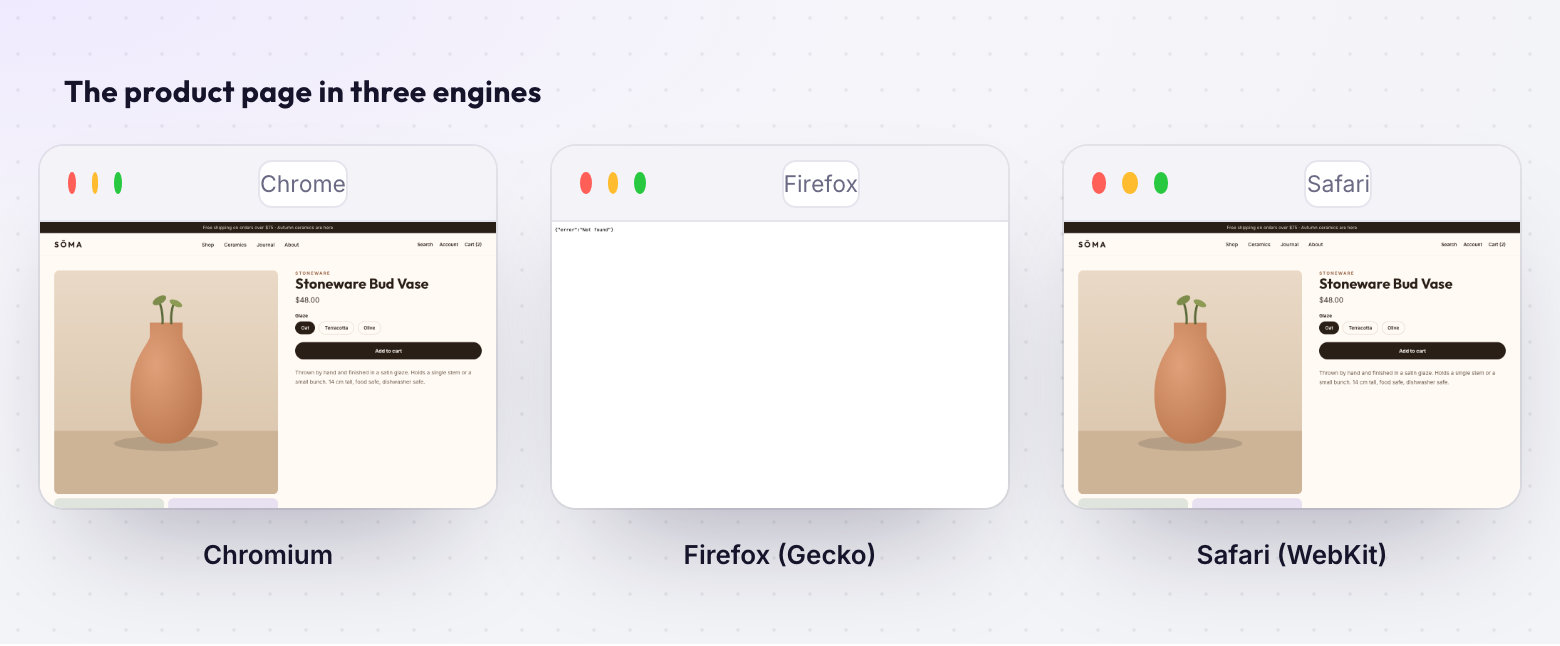
Cross-Browser Testing Report
A structured template for documenting, tracking, and signing off cross-browser QA on ecommerce theme projects. Organize findings, prioritize fixes, and get clean approvals.
How to Use This Template
Use this template once per project to document your cross-browser testing process. Fill one "Page Report" section for each key page of the theme, then summarize findings and get sign-off from the team.
When to Use
- After internal development is complete, before sending to client
- After revision rounds (re-test affected pages)
- Before final deployment (regression check)
Testing Matrix
Fill in the browsers and devices you're testing against for this project:
| Browser | Engine | Version | Devices/Viewports |
|---|---|---|---|
| Chrome | Chromium/Blink | Desktop 1280px, Mobile 390px | |
| Firefox | Gecko | Desktop 1280px, Mobile 390px | |
| Safari | WebKit | Desktop 1280px, Mobile 390px, iPad 768px | |
| Safari iOS | WebKit (real) | iPhone 14 (390×844) | |
Severity Definitions
Use these consistently when logging issues:
Not everything is a bug. Browsers render differently by design — font smoothing, scrollbar width, subpixel rounding. The goal is consistent UX and correct layout, not pixel-identical rendering across engines.
Project Info
| Project | |
| Store / URL | |
| Tester | |
| Date | |
| Theme version / branch | |
| Pages tested |
Page Report: Homepage
URL:
Screenshots
Paste or attach screenshots for each browser/viewport combination. Circle or annotate any issues found.
Issues Found
| # | Section | Browser(s) | Severity | Description | Fix | Status |
|---|---|---|---|---|---|---|
| 1 | ||||||
| 2 | ||||||
| 3 | ||||||
| 4 | ||||||
| 5 |
Page Verdict
Pass — No critical/major issues. Acceptable for client review.
Conditional Pass — Minor issues documented. Acceptable if fixes are applied before launch.
Fail — Critical/major issues remain. Must fix and re-test before proceeding.
Copy this entire "Page Report" section for each page you're testing: Product page, Collection page, Cart, About, etc. Most projects need 4-8 page reports.
Page Report: Product Page
URL:
Screenshots
Issues Found
| # | Section | Browser(s) | Severity | Description | Fix | Status |
|---|---|---|---|---|---|---|
| 1 | ||||||
| 2 | ||||||
| 3 | ||||||
| 4 | ||||||
| 5 |
Page Verdict
Pass Conditional Pass Fail
Testing Summary
Aggregate results across all tested pages.
Results by Page
| Page | Critical | Major | Minor | Cosmetic | Total | Verdict |
|---|---|---|---|---|---|---|
| Homepage | ||||||
| Product page | ||||||
| Collection | ||||||
Results by Browser
| Browser | Issues Found | Fixed | Remaining | Status |
|---|---|---|---|---|
| Chrome (Chromium) | Pass | |||
| Firefox (Gecko) | Pass | |||
| Safari (WebKit) | Pass | |||
| Safari iOS (real) | Pass |
Overall Verdict
Ready for client review — All critical/major issues resolved. Minor/cosmetic documented.
Ready for launch — All issues resolved. No regressions from revision rounds.
Needs additional work — Outstanding issues listed below:
Notes & Observations
General observations, patterns noticed, or items to watch post-launch:
Team Sign-Off
Each role confirms the cross-browser QA meets their standard before proceeding.
Developer
All issues from my code are fixed.
Name / Date
Designer
Visual implementation matches intent across browsers.
Name / Date
QA Lead
All critical/major issues verified as resolved.
Name / Date
PM
Approved to send to client / launch.
Name / Date
Cross-Browser Testing Process Guide
A step-by-step workflow for manual cross-browser QA. Follow this process for each project.
Step 1: Define Your Matrix
Decide which browsers, devices, and viewports to test. Base this on the client's audience analytics if available. Default matrix for ecommerce:
- Chromium (Chrome/Edge) — Desktop 1280px + Mobile 390px
- Firefox — Desktop 1280px + Mobile 390px
- Safari/WebKit — Desktop 1280px + iPad 768px + iPhone 390px
- Real iOS Safari — iPhone (latest) — spot check only
Step 2: Capture Screenshots
For each page in your testing scope, capture full-page screenshots at each browser/viewport in your matrix. Options:
- Manual: Open each browser, resize viewport, take screenshot (slowest, most accurate)
- BrowserStack: Use screenshot API or interactive sessions (paid plans)
- Playwright: Script captures across Chromium/Firefox/WebKit (free, fast, automatable)
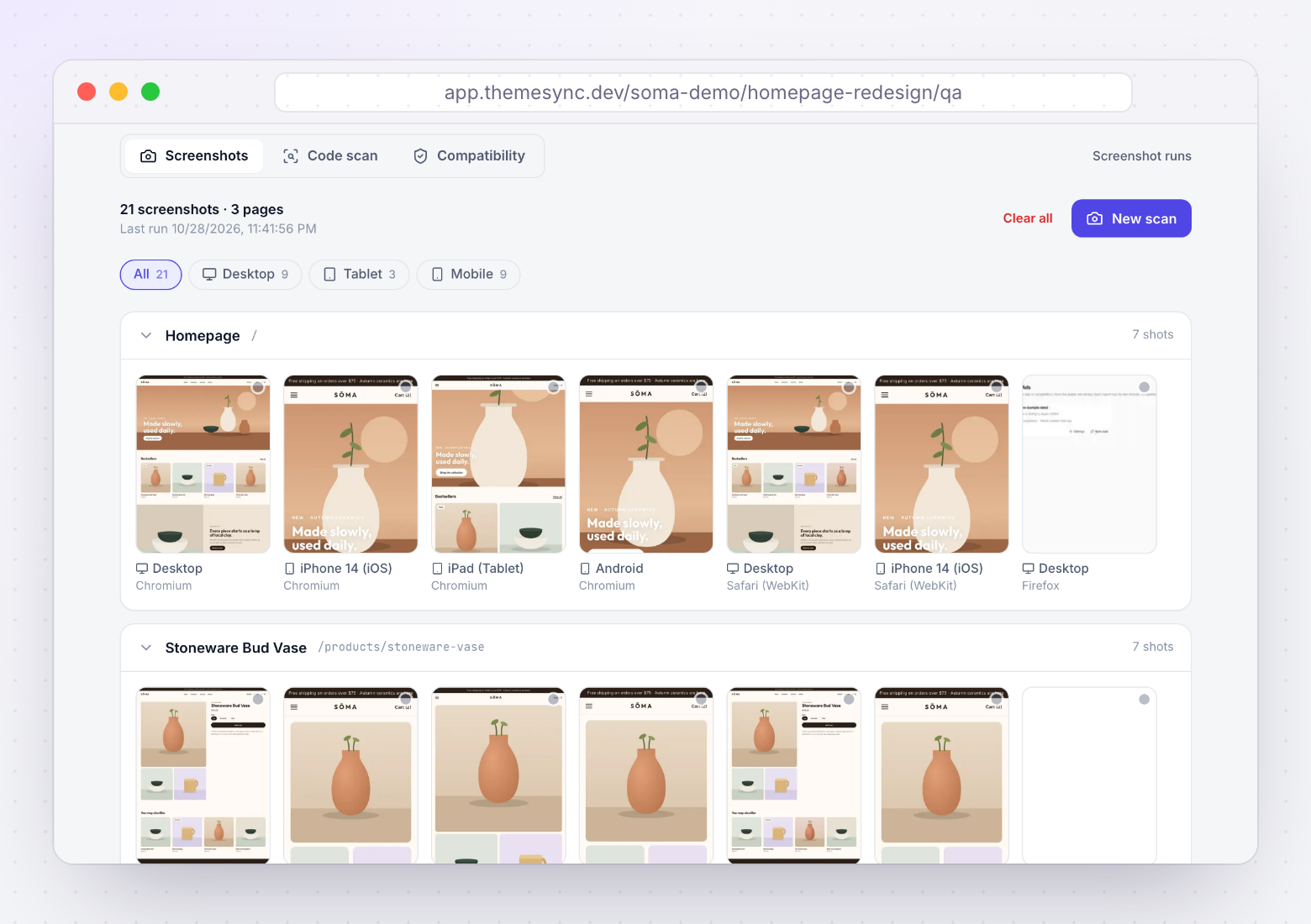
- ThemeSync: Captures every mapped page in Chromium, Firefox, WebKit and real iPhone Safari from the dashboard where you manage the theme
Step 3: Compare & Log Issues
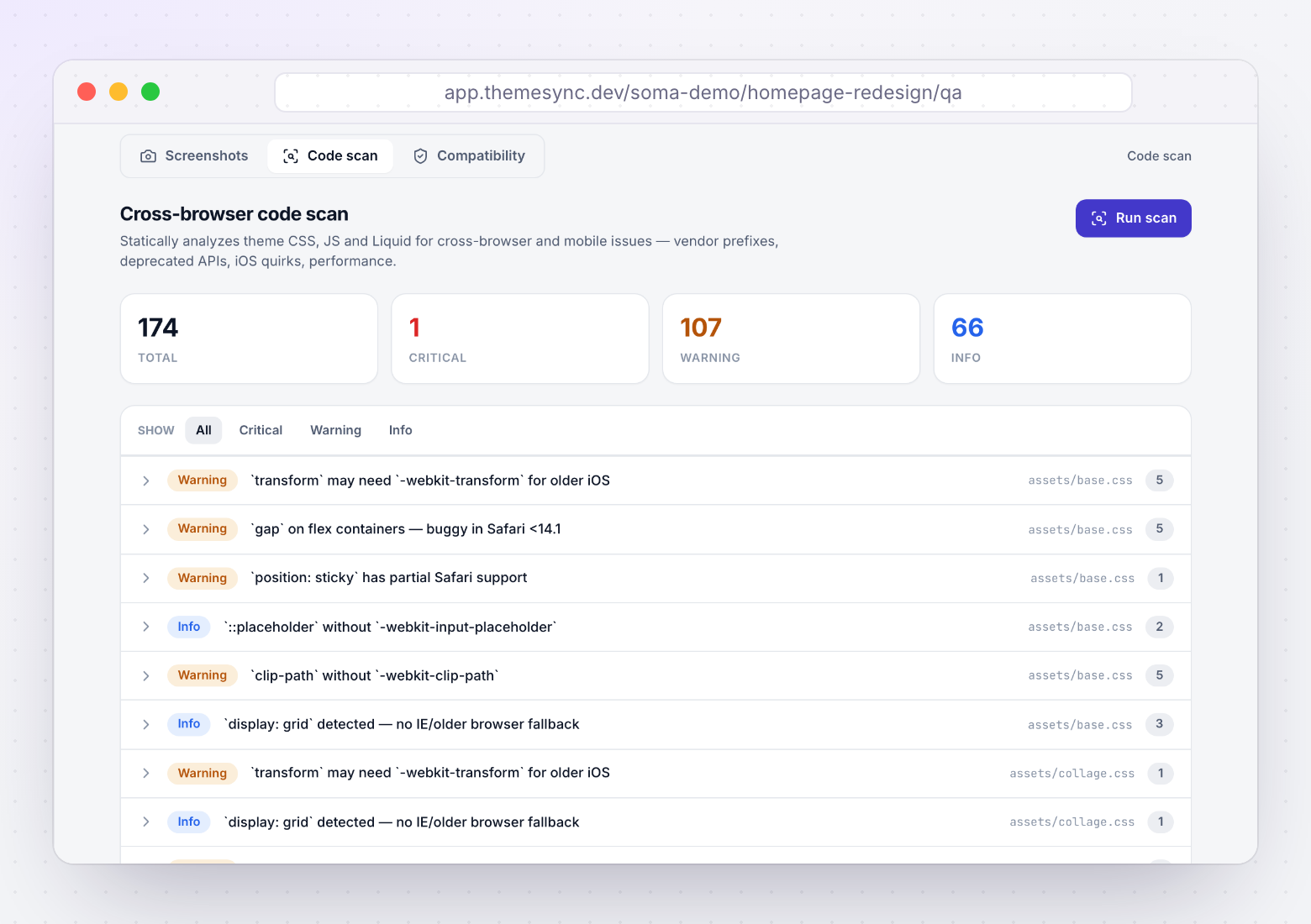
View screenshots side-by-side. Focus on:
- Layout breaks — columns collapsing, elements overflowing, content cut off
- Missing visual effects — backdrop-filter, shadows, gradients not rendering
- Typography — font not loading, text overflow, line-height collapse
- Responsive behavior — wrong breakpoint triggering, grid not adapting
- Interactive elements — buttons/inputs at wrong size, dropdowns misaligned
Log each issue in the Page Report table with severity, affected browser(s), and proposed fix.
Step 4: Fix & Verify
Fix issues in priority order (Critical → Major → Minor). Re-capture screenshots for fixed pages to confirm resolution. Check that fixes don't introduce regressions in other browsers.
Step 5: Sign Off
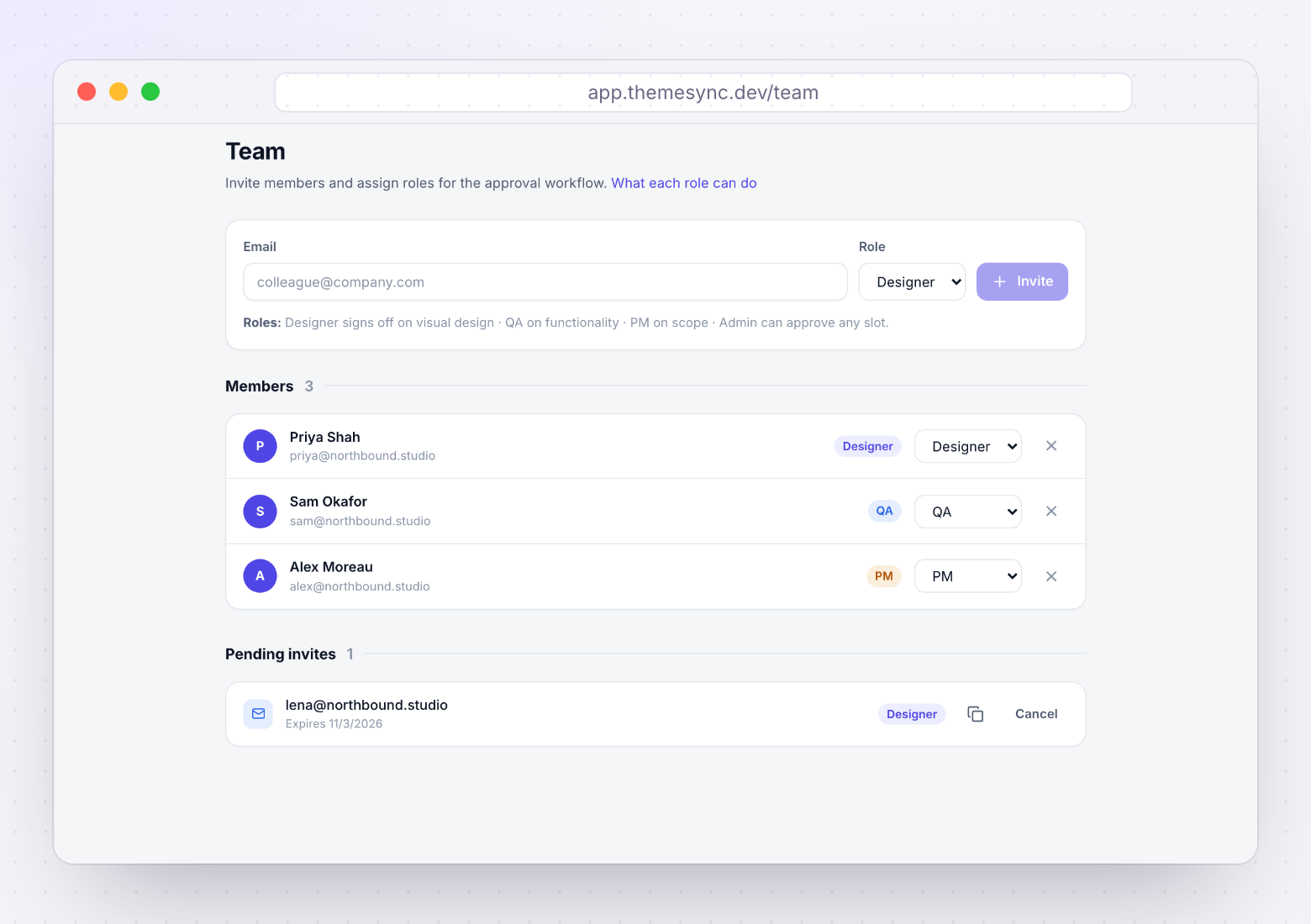
Once all critical/major issues are resolved, get sign-off from each team member (developer, designer, QA, PM). Only proceed to client review after team sign-off is complete.
For a typical 8-template theme with 3 browsers and 3 viewports: expect 3-6 hours for capture + comparison + documentation. With automated screenshots (Playwright or ThemeSync), the capture drops to under 5 minutes — you only spend time on the review and fix stages.
Tired of filling this report manually?
ThemeSync automates the capture step: every mapped page, in Chromium, Firefox, WebKit and real iPhone Safari, across five devices. Screenshots land next to template mapping and client feedback, and you approve or reject each page and device.
themesync.dev
Where ThemeSync fits
The report has page reports, an issue log and a sign-off sheet. ThemeSync keeps each of them next to the theme. Screens are from a demo store.
More free resources
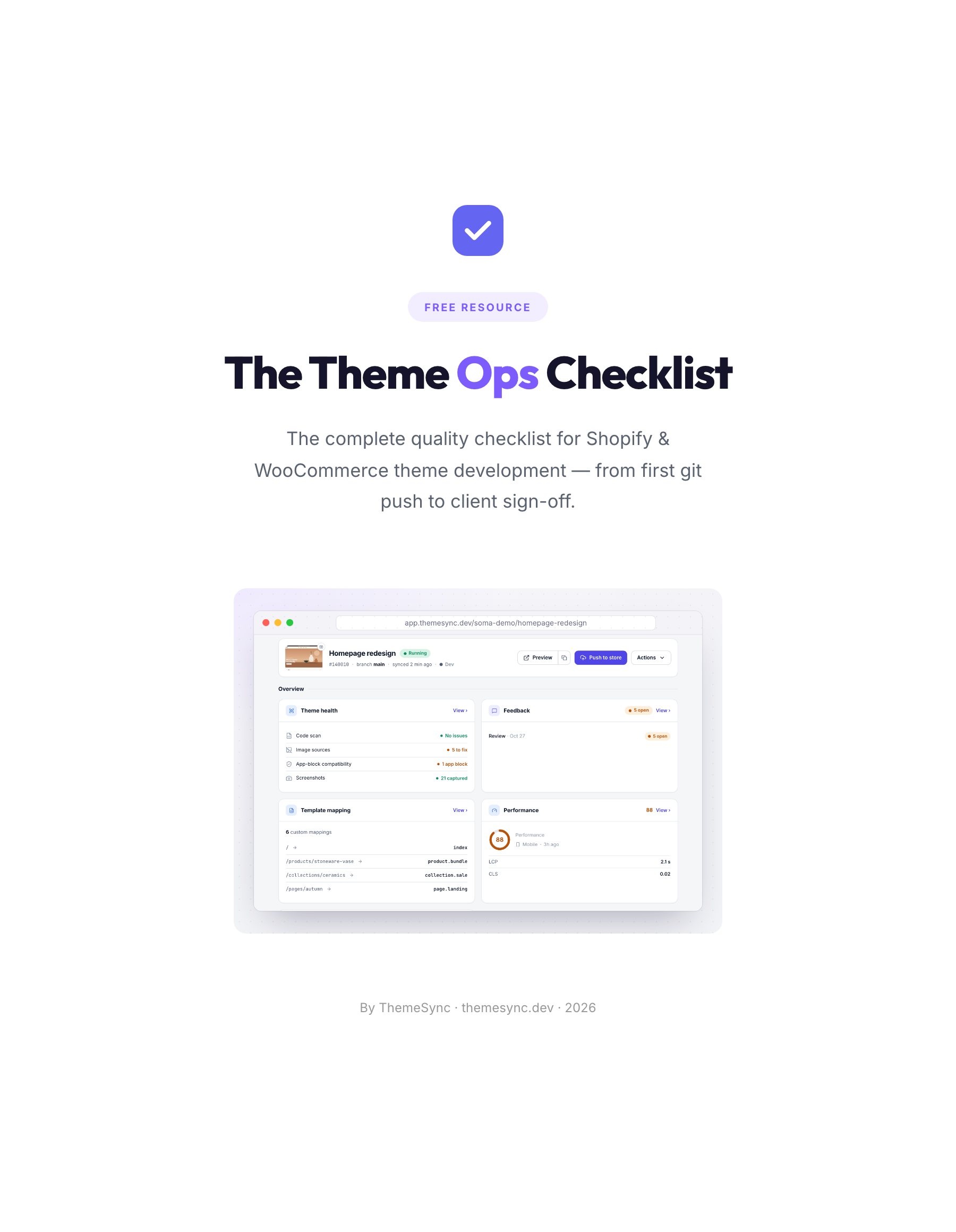 ChecklistThe Theme Ops ChecklistThe 86-point quality checklist for Shopify and WooCommerce theme projects, from the first git push to client sign-off. Print it or save it as a PDF.
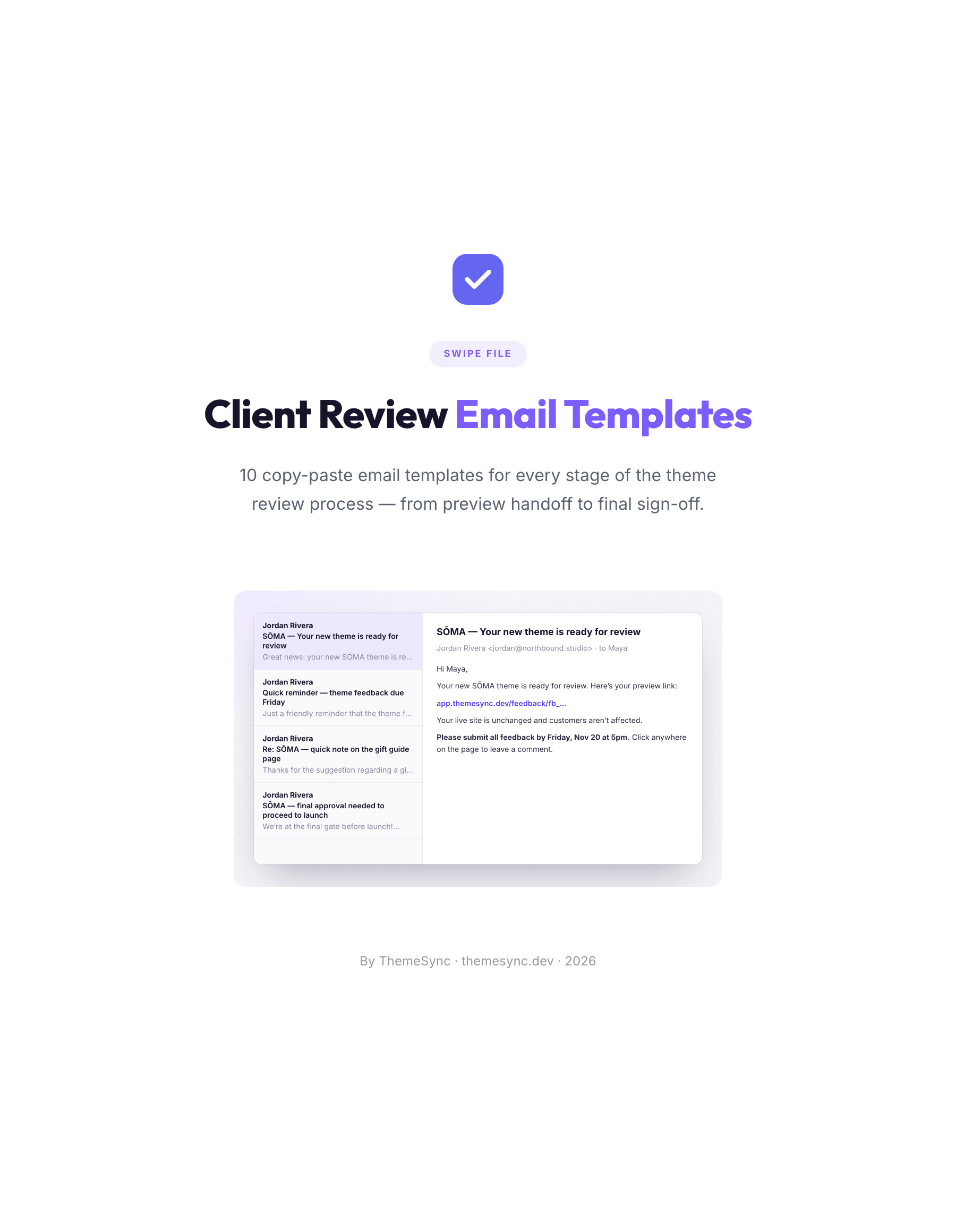 TemplatesClient Review Email Templates10 copy-paste emails for every stage of a theme review, from the preview handoff to final sign-off, including reminders and scope replies.
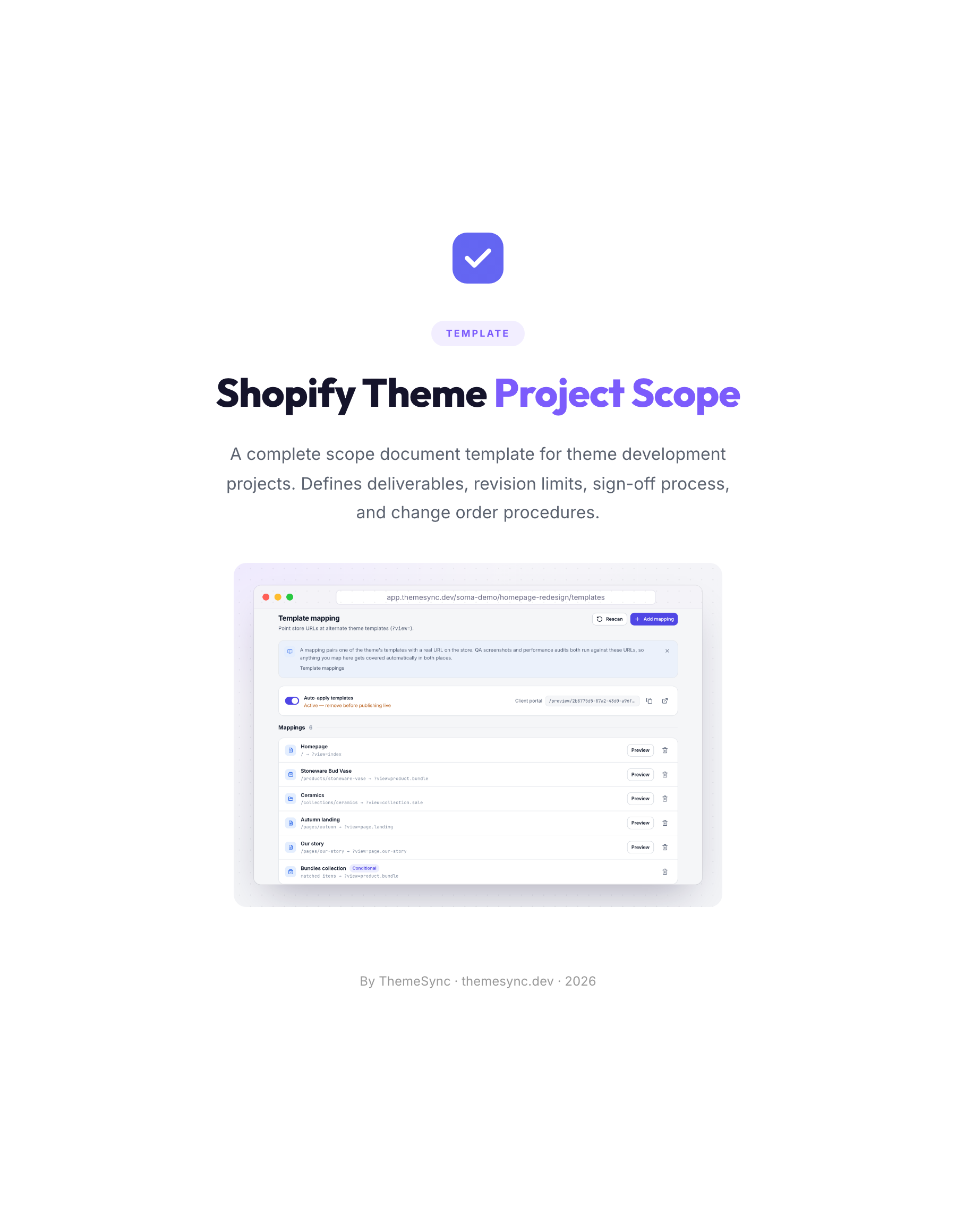 TemplateShopify Theme Project Scope TemplateA scope document for theme projects: deliverables, templates in scope, revision limits, the sign-off process and change orders.