Agency QA Time Audit
Log where QA hours go on a theme project, from browser setup to chasing approvals, and see which steps cost the most.
Free. No email required. Use your browser’s print dialog and choose “Save as PDF”.
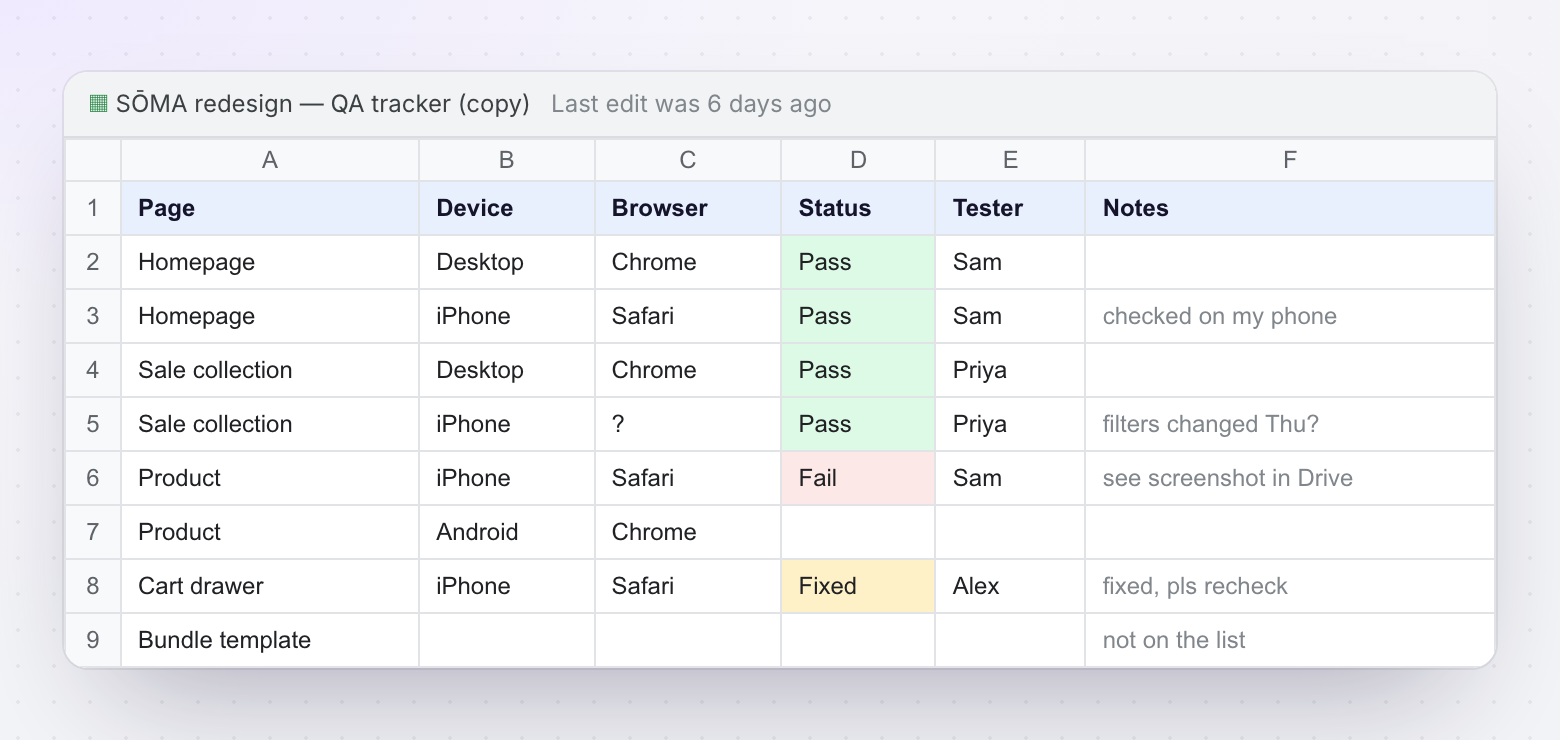
Agency QA Time Audit
Track where your QA hours actually go. Identify the biggest time sinks in your theme development process and quantify the cost of workflow fragmentation.
By ThemeSync · themesync.dev · 2026
How to Use This Template
This template helps you measure the true cost of your QA process. Fill it out for 2-3 projects to establish a baseline, then identify where to invest in improvements.
Instructions
- Fill in the Project Info section for context
- For each QA activity, log the actual hours spent (be honest — include waiting time, not just active work)
- Note which tools are involved in each activity
- Calculate the cost by multiplying hours × your blended team rate
- Review the Summary to see where time concentrates
- Repeat for 2-3 projects to establish reliable averages
Track ALL time spent, including: waiting for BrowserStack VMs, re-reading client emails for context, switching between tools, reformatting feedback into tasks, chasing approvals, and any "setup" time before actual QA work begins. These hidden minutes add up to hours.
Project Info (Fill In Per Project)
| Project name | |
| Client | |
| Number of templates | |
| Team members involved in QA | |
| Blended hourly rate ($/hr) | |
| Date range of QA phase | |
| Number of client revision rounds |
Section 1: Internal QA Time
Time your team spends on QA before the client ever sees the preview.
| Activity | Description | Hours | Tools Used | Cost ($) |
|---|---|---|---|---|
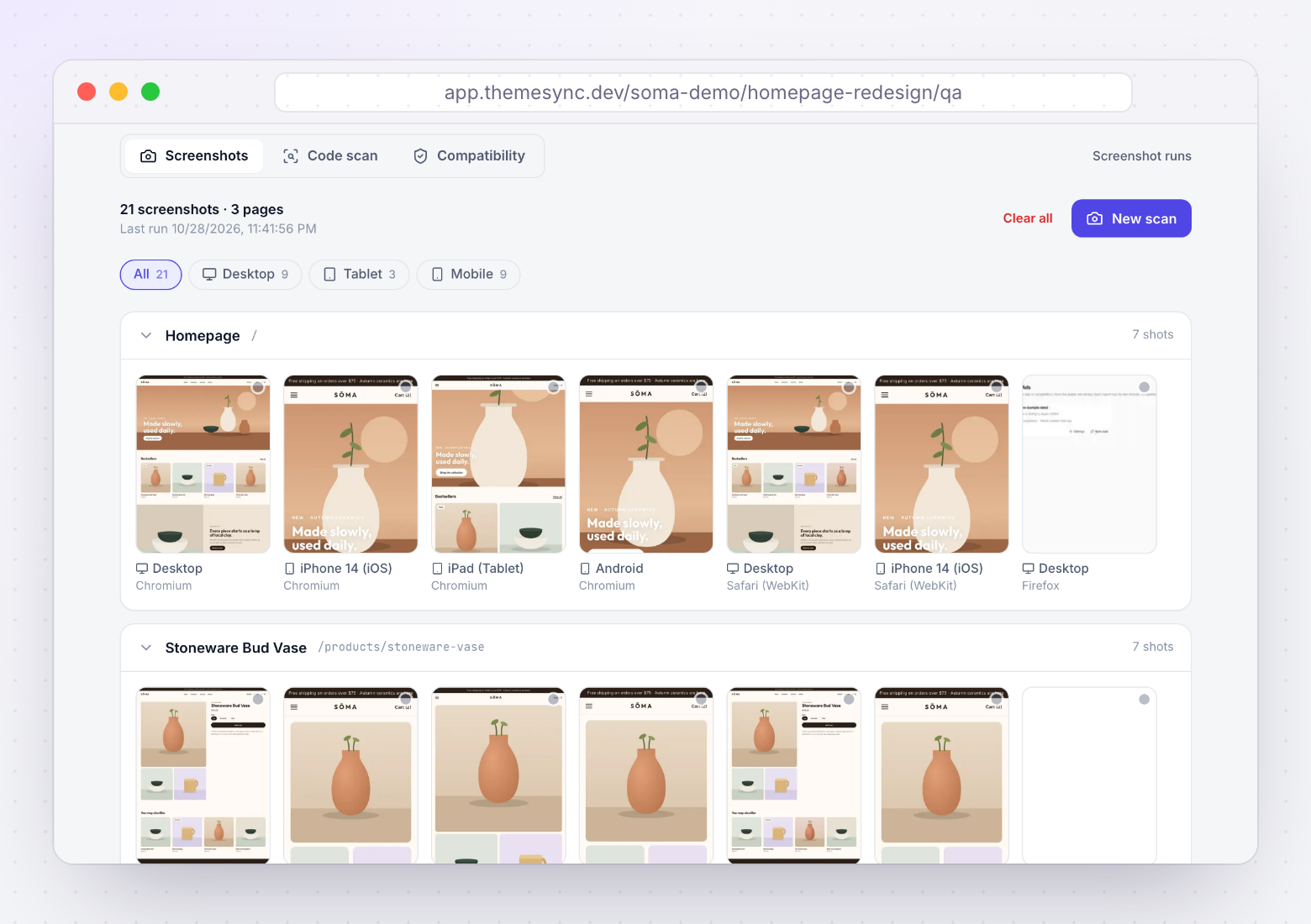
Cross-browser setup Opening BrowserStack/Playwright, configuring URLs, viewports, auth |
Getting the testing environment ready to capture | |||
Screenshot capture Actually taking screenshots across browsers and devices |
Each page × each browser × each viewport | |||
Screenshot organization Downloading, naming, sorting, comparing screenshots |
Making results usable for review | |||
Issue identification Reviewing screenshots and finding rendering differences |
The actual QA judgment work | |||
Issue documentation Logging issues in a sheet/tool with context and screenshots |
Creating actionable records | |||
Fix verification Re-running screenshots after fixes to confirm resolution |
Closing the loop on each issue | |||
Designer review coordination Sharing screenshots with designer, getting feedback, iterating |
Design accuracy sign-off | |||
| Internal QA Total | ||||
Section 2: Client Feedback Management Time
Time spent processing, interpreting, and acting on client feedback.
| Activity | Description | Hours | Tools Used | Cost ($) |
|---|---|---|---|---|
Feedback collection setup Preparing preview links, instructions, feedback forms/templates |
Getting the review process ready for the client | |||
Email/feedback parsing Reading client emails or feedback docs, extracting actionable items |
Turning prose into tasks | |||
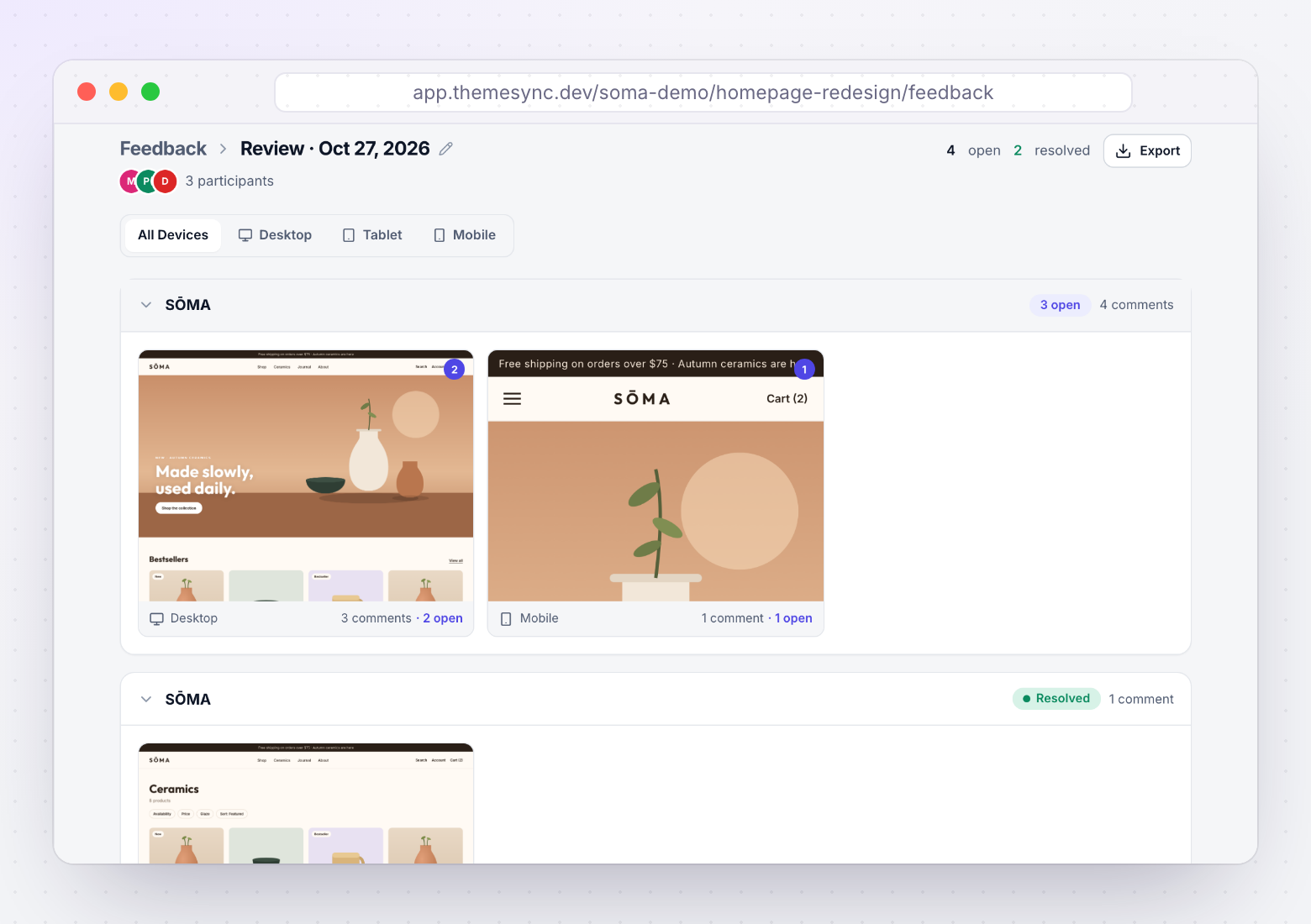
Context reconstruction Figuring out which page, section, device client is referring to |
The detective work when feedback lacks context | |||
Clarification requests Emailing client to ask "which page?", "what device?", "can you send a screenshot?" |
Back-and-forth to understand the feedback | |||
Task creation Converting understood feedback into dev tasks (Jira, Linear, Notion) |
Translating client language → developer language | |||
Progress communication Updating client on what's done, what's in progress, asking for re-review |
Keeping the client in the loop | |||
Scope negotiation Identifying out-of-scope requests, drafting change orders, discussing |
Protecting the project boundary | |||
| Client Feedback Total | ||||
Section 3: Sign-Off & Coordination Overhead
Time spent on approval tracking, status management, and cross-team coordination.
| Activity | Description | Hours | Tools Used | Cost ($) |
|---|---|---|---|---|
Approval chasing Following up with client for sign-off, "have you reviewed?" |
The waiting and nudging | |||
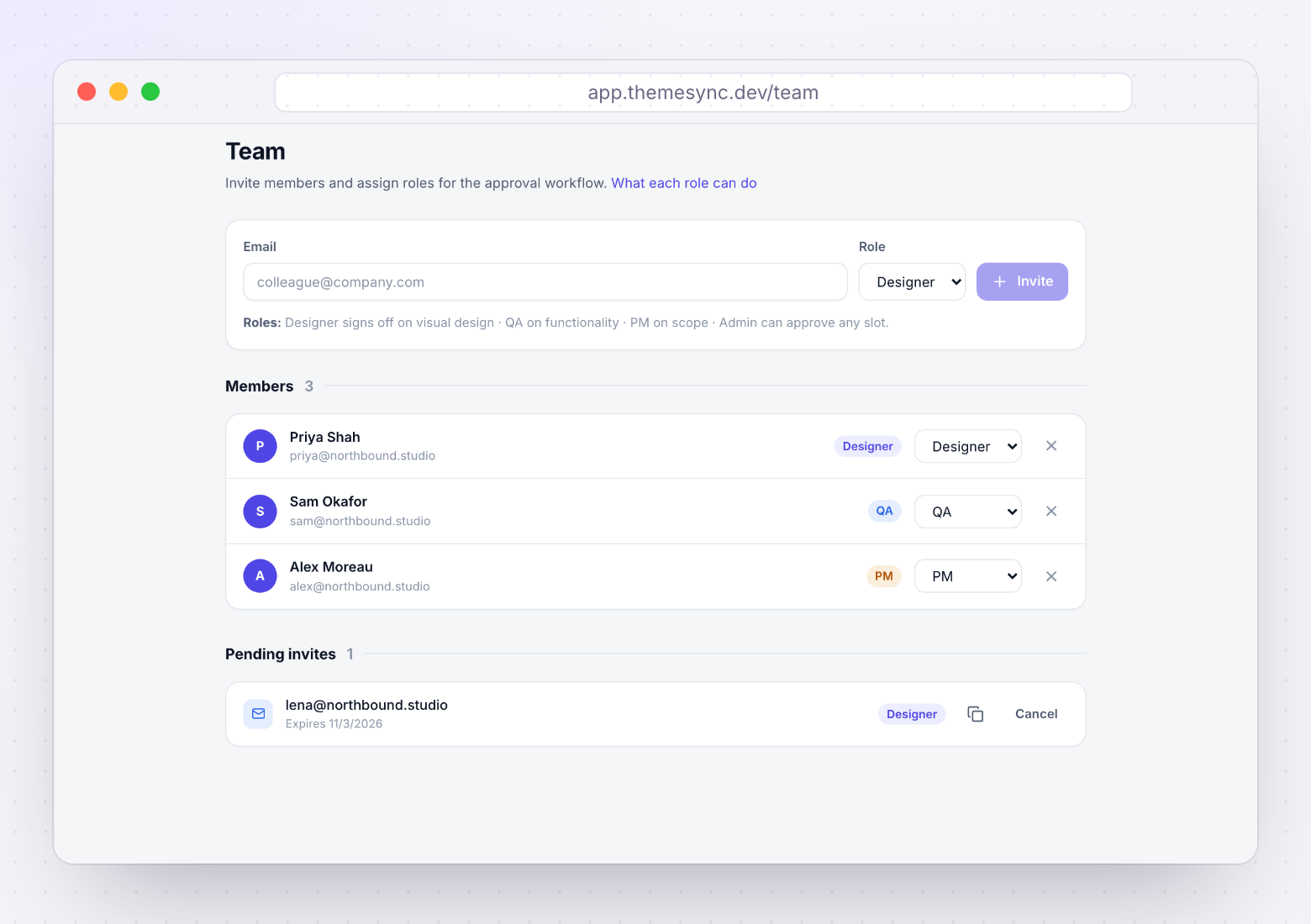
Internal sign-off coordination Getting designer, dev lead, PM to confirm readiness |
Herding internal approvals | |||
Status tracking Updating spreadsheets, PM tools, or Slack with current QA status |
Keeping everyone informed | |||
Documentation Recording what was approved, when, by whom (for contract protection) |
Audit trail creation | |||
Tool switching overhead Context switching between BrowserStack, email, sheets, PM tool, Slack, CLI |
The hidden cost of fragmented workflows | |||
| Overhead Total | ||||
Project Summary
| Total hours × rate = Total QA cost | ___ hrs × $___ = $___ |
| As % of total project hours | ___ / ___ = ___% |
| Estimated hours on actual QA work vs. overhead | QA: ___ hrs / Overhead: ___ hrs |
On many teams, most QA time is overhead (tool management, communication, context switching) and the smaller part is actual quality assessment. If your ratio is similar, the fix isn't "work faster" — it's "reduce transitions between tools and eliminate ambiguity in communication."
Benchmarks & Improvement Targets
After auditing 2-3 projects, compare your numbers to these benchmarks from agencies that have optimized their QA workflows.
Typical vs. Optimized (per project, 8-12 templates)
| Category | Typical Agency | Optimized Agency | Your Average |
|---|---|---|---|
| Internal QA | 6-10 hours | 1.5-3 hours | |
| Client feedback management | 4-8 hours | 0.5-1.5 hours | |
| Coordination overhead | 2-4 hours | 0.5-1 hour | |
| Total QA overhead | 12-22 hours | 2.5-5.5 hours | |
| Revision rounds | 3-5 rounds | 1-2 rounds | |
| Email threads per project | 30-50 emails | 3-5 emails |
Monthly Cost Impact (3-5 projects/month)
| Metric | Your Current (estimate) | Optimized Target | Monthly Savings |
|---|---|---|---|
| Total QA hours/month | |||
| Total QA cost/month | |||
| Annual savings potential | |||
Improvement Action Plan
Based on where your time concentrates, prioritize these improvements:
| If Most Time Goes To... | Root Cause | Fix |
|---|---|---|
| Cross-browser setup & capture | Manual process, slow tools | Automate with Playwright or integrated QA tool |
| Screenshot organization | Results disconnected from workflow | Use tool that keeps screenshots in project context |
| Feedback parsing & clarification | Client feedback lacks context | Pin-based feedback with auto-captured metadata |
| Context reconstruction | Feedback doesn't identify page/element/device | Visual feedback tool with auto-screenshots |
| Approval chasing | No structured sign-off mechanism | Per-template approval workflow with status visibility |
| Tool switching | Too many disconnected tools | Consolidate into fewer platforms; reduce handoff points |
Don't try to fix everything at once. Identify the single biggest time category from your audit and address that first. For most agencies, it's either "cross-browser setup" or "feedback clarification" — both of which are solvable with better tooling.
Where ThemeSync fits
Fill in the audit first. If most of your hours land in one of these three sections, this is the matching screen in ThemeSync. Screens are from a demo store.
More free resources
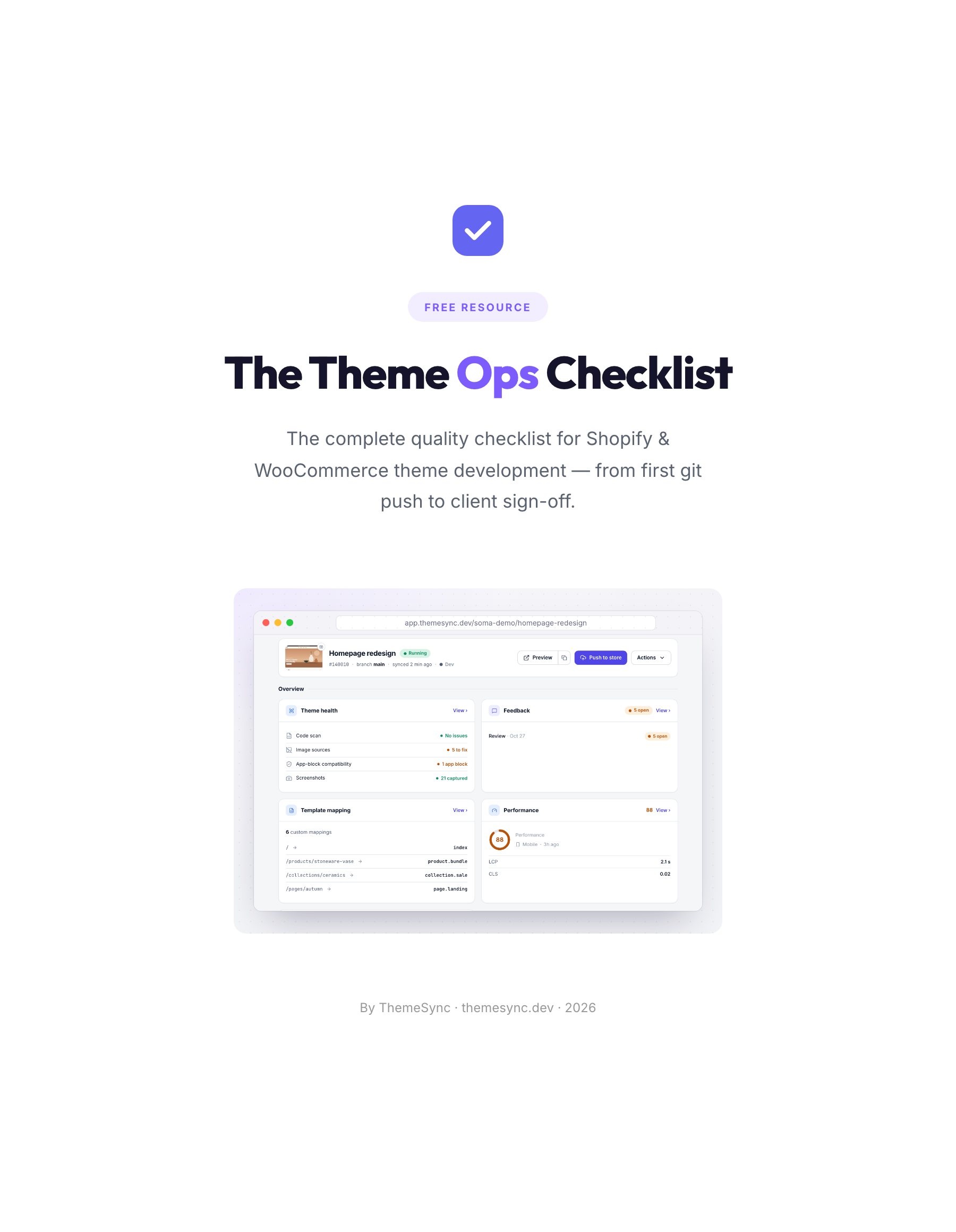 ChecklistThe Theme Ops ChecklistThe 86-point quality checklist for Shopify and WooCommerce theme projects, from the first git push to client sign-off. Print it or save it as a PDF.
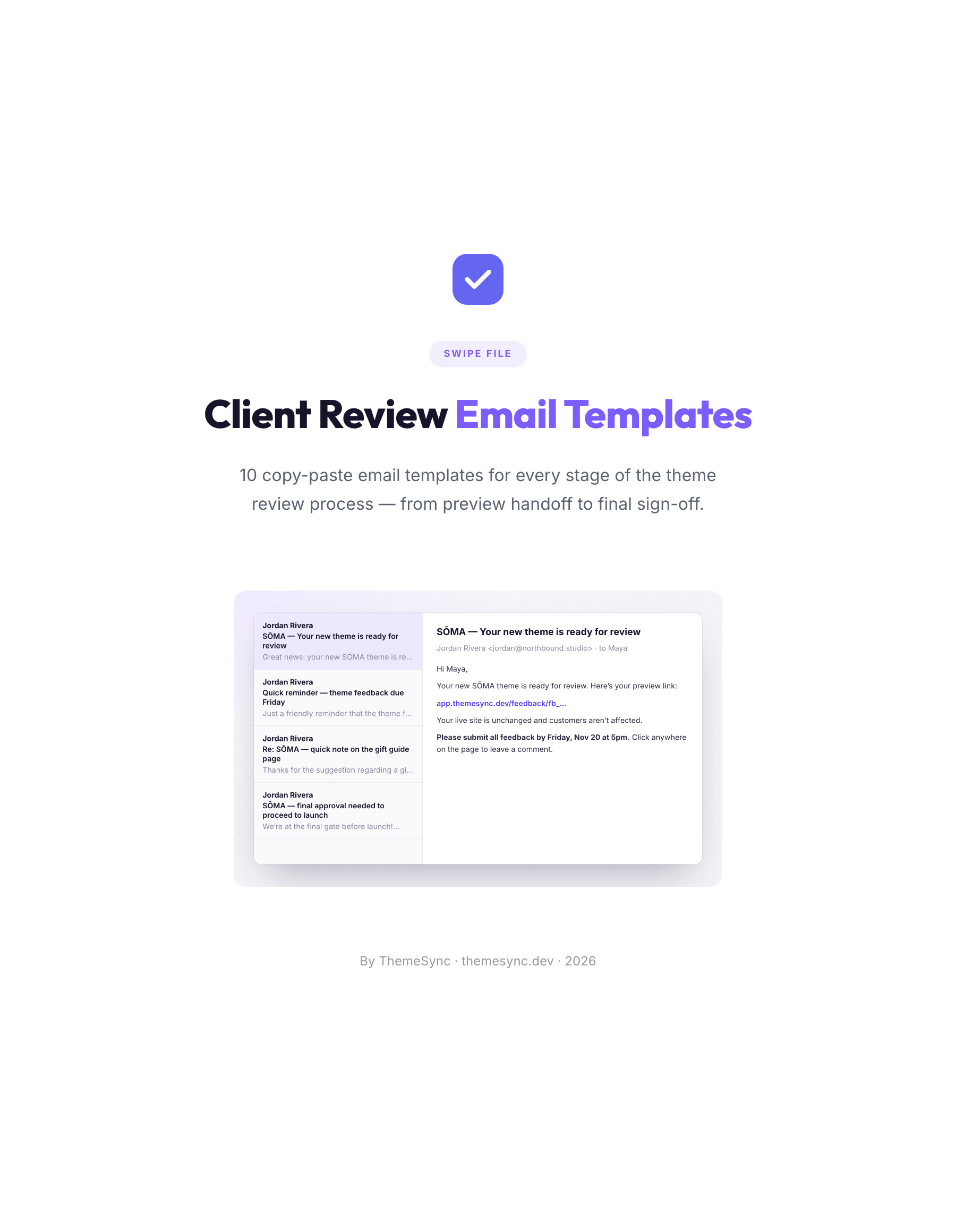 TemplatesClient Review Email Templates10 copy-paste emails for every stage of a theme review, from the preview handoff to final sign-off, including reminders and scope replies.
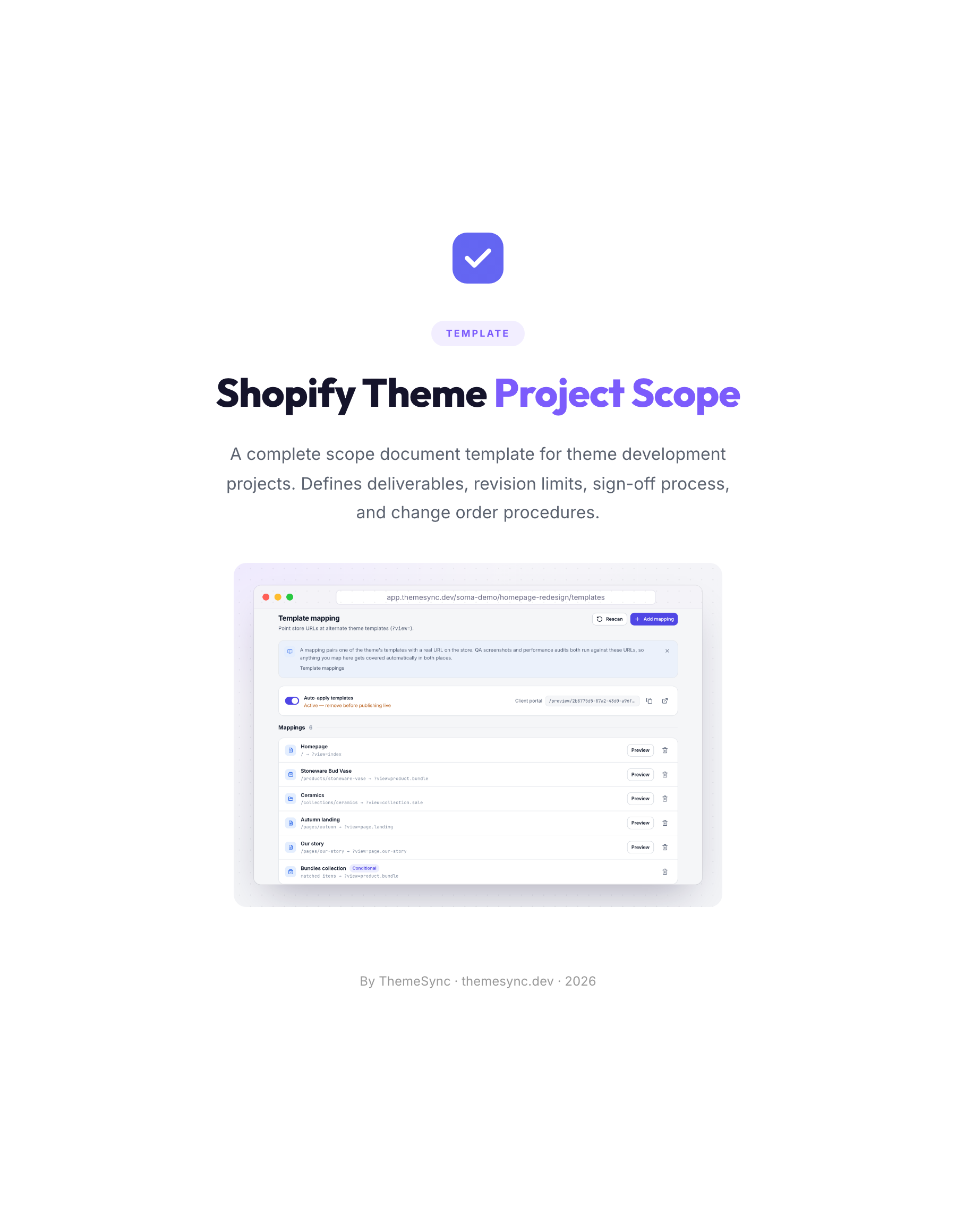 TemplateShopify Theme Project Scope TemplateA scope document for theme projects: deliverables, templates in scope, revision limits, the sign-off process and change orders.