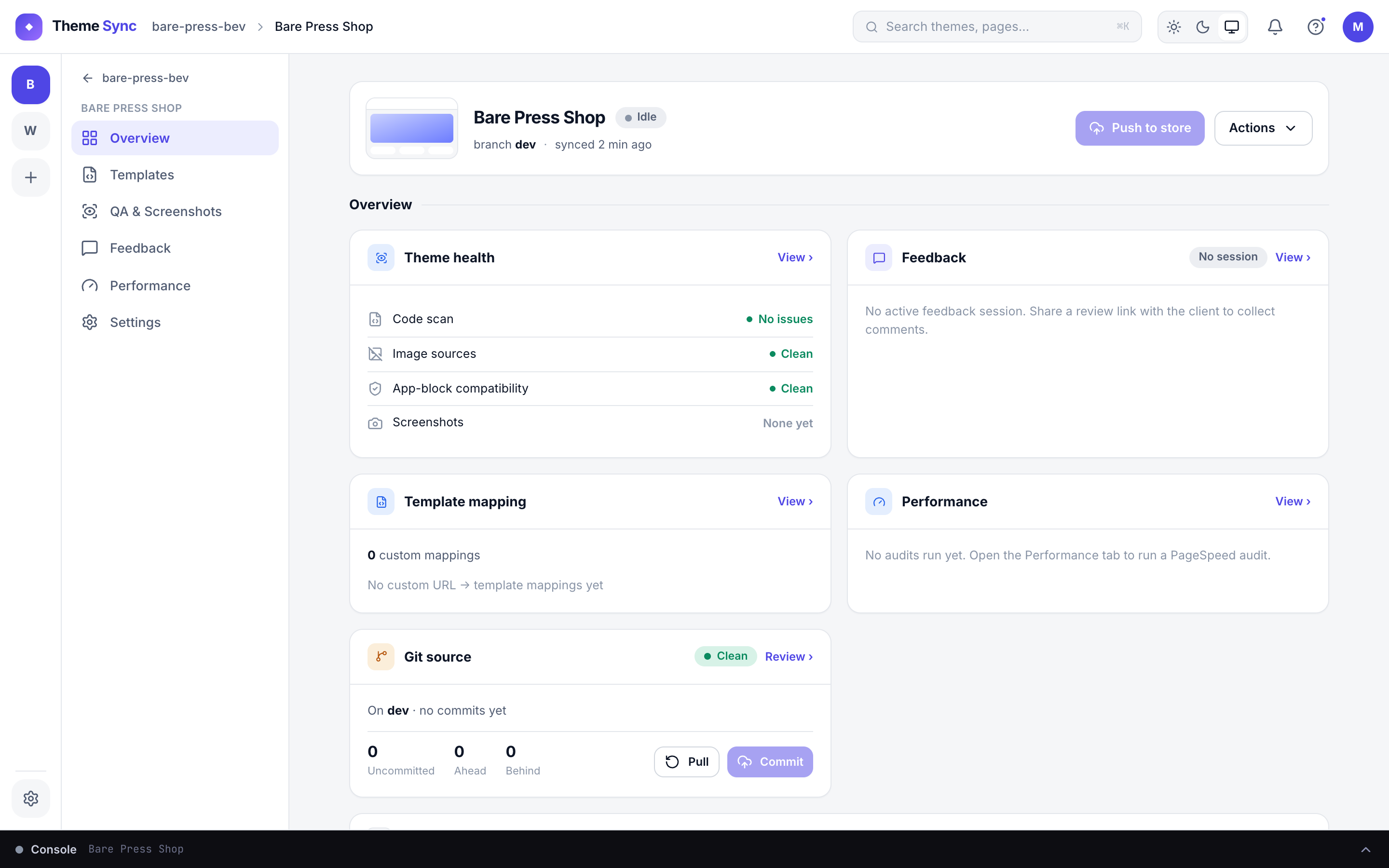
Built for Shopify Theme Development

Client previews that don't expire.
Code that stays yours.

Shopify CLI gives you a dev theme. ThemeSync keeps it alive, maps your templates to real pages, and lets clients give feedback without ever seeing your source code.

Start Free — No Card Required

1 free site forever · Full CLI integration · 14-day trial on Pro

acme-apparel
rebrand-v2
holiday-launch
Overview
Templates
QA
Feedback
Store
acme-apparel.myshopify.com
Connected
Session
Running 23 days
Active
Templates Mapped
5 active mappings
Auto-apply
Client Feedback
3 open · 12 resolved
On track
The reality

A typical day without ThemeSync

1

9:00 AM — CLI session expired overnight

The Theme Access token timed out, or Shopify auto-deleted the dev theme (14-day limit). You re-run shopify theme dev, wait for it to push files, and regenerate a preview URL.

2

10:30 AM — Client clicks your preview link

They land on /products/summer-jacket, but your product.seasonal template doesn't load. It shows the default product template. "Why does this look wrong?" — they email.

3

11:00 AM — You explain template previewing

You send a long message explaining ?view=seasonal parameters. The client responds: "I don't understand. Can you just make it work?"

4

2:00 PM — Feedback arrives via email

"The hero section looks off." Which page? Desktop or mobile? Chrome or Safari? You spend 30 minutes clarifying before you can act.

5

4:00 PM — You upload to the store for "easier review"

Frustrated, you push the theme to the client's admin as an unpublished theme. Now your code is fully visible and downloadable. You just lost your leverage.

Now replace all of that with ThemeSync

Same Shopify CLI under the hood. None of the friction.

1

Session runs 24/7. You don't think about it.

Theme Access keeps auth alive without browser pop-ups. ThemeSync auto-refreshes the dev theme before Shopify's 14-day limit hits. Your preview never goes down.

2

Templates map automatically to real pages

You set product.seasonal/products/summer-jacket once. When the client visits that URL, the correct template loads. No parameters. No explaining.

3

Feedback lands on the page, not in your inbox

Client clicks the element and comments. You see the pin, the page, the browser (Safari 17.4), the device (iPhone 15), the viewport (393×852). Zero follow-up needed.

4

Code stays private until you deliver

The theme runs in ThemeSync's cloud, renders on the client's store via Shopify's proxy. Nothing is in their admin. They see the design. You keep the source.

Overview
Templates
QA
Liquid Templates Detected
product /products/summer-jacket product.seasonal
collection /collections/summer collection.grid-v2
page /pages/about page.redesign
article /blogs/news/launch article.editorial
Conditional Rule
rule All in "summer-2025" product.seasonal
Auto-apply active
5 mappings · snippet injected
Shopify Template Mapping

The feature Shopify CLI is missing

Shopify dev themes can't assign alternate templates to pages without publishing. ThemeSync injects a transparent snippet that routes each URL to the correct Liquid template. The client browses normally and every page renders the design you intended.

  • Auto-detects all *.liquid and JSON alternate templates
  • Map pages, products, collections, articles, blogs
  • Conditional rules: "all products in collection X get template Y"
  • Auto-apply via reversible snippet injection
  • Client preview portal shows all mapped pages as visual cards
Theme Health Scan 4 issues
App Blocks (won't render on dev theme)
Klaviyoheader.liquid, footer.liquid
Judge.meproduct.liquid (reviews)
Rechargecart.liquid (subscriptions)
Metafield References
product.metafields.custom.sizing_chartwon't resolve
Strip for Preview
Run Theme Check
Theme Health + App Block Detection

Third-party apps break dev themes. We fix that.

The client's live theme has Klaviyo, Judge.me, and Recharge app blocks embedded. On your dev theme, those blocks produce errors and blank sections. ThemeSync scans for them and lets you strip or restore with one click, keeping previews clean without manual template surgery.

  • Detect app embed blocks across every section and template
  • Identify metafield references that won't resolve on dev themes
  • One-click strip with automatic backup
  • Restore originals when ready to publish
  • Shopify Theme Check integration with auto-fix
acme-apparel.myshopify.com
StatusRunning
Uptime23 days, 14 hours
Auth methodTheme Access (headless)
Dev themeBrand Refresh 2025 dev
Auto-refreshEvery 12 days (before Shopify deletes)
Last git sync2 minutes ago
Persistent CLI Sessions

Shopify deletes dev themes after 14 days. We don't.

ThemeSync runs shopify theme dev in the cloud with Theme Access authentication. No browser pop-ups, no session timeouts. When Shopify's 14-day dev theme limit approaches, ThemeSync automatically refreshes the theme to keep it alive for the entire project.

  • Theme Access password for fully headless operation
  • Auto-refresh before Shopify's 14-day deletion
  • Preview URL stays the same, no client disruption
  • Runs 24/7 without your laptop being open
  • Interactive auth also supported for quick sessions

How it compares to what you're doing now

Shopify CLI alone
Upload to admin
Dev store
ThemeSync
Real client data
Code stays private
✓ (temp)
Persistent (no 14-day delete)
Template mapping
Manual
Automatic
Cross-browser QA
Visual client feedback
Theme Check + auto-fix
Local only
No setup time

Under the hood

For developers who want to know exactly what's happening.

Real Shopify CLI

Not an emulation — actual shopify theme dev running in a Docker container. Same behavior you get locally, but in the cloud with persistent uptime.

Theme Access Auth

Use a Theme Access password for headless auth. No OAuth browser flow needed. Session survives indefinitely. Your collaborator account doesn't need to stay logged in.

Git-First Workflow

Push to your branch and ThemeSync pulls and hot-reloads. Auto-sync intervals from 30s to 5min. Conflict resolution with side-by-side diff when store files diverge.

Liquid-Aware Scanning

Code compatibility checks understand Liquid syntax: render in for-loops, inline script size, deprecated filters. Pairs with Theme Check for full coverage.

JSON + Liquid Templates

Detects both JSON templates (Online Store 2.0) and legacy .liquid templates. Mapping works with either format, including section groups.

Isolated Containers

Each session runs in its own Docker container. No cross-contamination between projects. Client store credentials never leave the container.

Shopify teams that switched

★★★★★

"Template mapping alone saved us from hundreds of 'why does this page look wrong' emails. Clients just browse the store and everything loads correctly. We went from 2-week approval cycles to 3 days."

D
Daniel TorresFounder, Storetide (Shopify Plus Partner)
★★★★★

"The app block detection is brilliant. We used to spend an hour per project figuring out why sections were blank on dev themes. Now it shows us exactly which Klaviyo/Judge.me blocks to strip."

A
Alex ChenSenior Dev, Lighthouse Digital (15-person Shopify agency)
★★★★★

"I was terrified of clients downloading my theme from their admin. With ThemeSync, the code never touches their store. I show the design, get sign-off, and deliver on my terms."

J
James KellerFreelance Shopify Developer

Start free. One Shopify site. Forever.

Connect your repo and a client store. Live preview in under 5 minutes. No credit card. Template mapping and git sync included on the free tier.

Start Free See All Plans

Built around Shopify CLI. Built for client work.

Persistent sessions. Template mapping. Visual feedback. The workflow Shopify theme development deserves.

Get Started