Preview, test and ship Shopify themes. All in one place.
Preview links that stay alive, screenshots across real browsers, and client comments pinned to the page. Your client's live theme changes only when you say so.
Free plan available · 14-day trial on paid plans
What teams use it for
- Homepage redesigns
- Black Friday themes
- Client sign-off
- Safari bug hunts
- A template per collection
- Live theme backups
- Design A vs design B
- Pre-launch speed checks
- WooCommerce staging
- Handoff QA
Preview links that outlast the project.
Each dev theme runs in the cloud and stays awake. The link you send in week one still works on launch day.
- The same
theme devyou run locally - Pulls your latest commits automatically
- Theme editor changes sync back to you
Catch the Safari bug before your client does.
Pick pages and devices, then hit Capture. Your team reviews every screenshot and signs off in one place.
- Chromium, Firefox, Safari and real iPhone Safari
- Five sizes, from wide desktop to Android
- Reject a shot and it's flagged for a fix
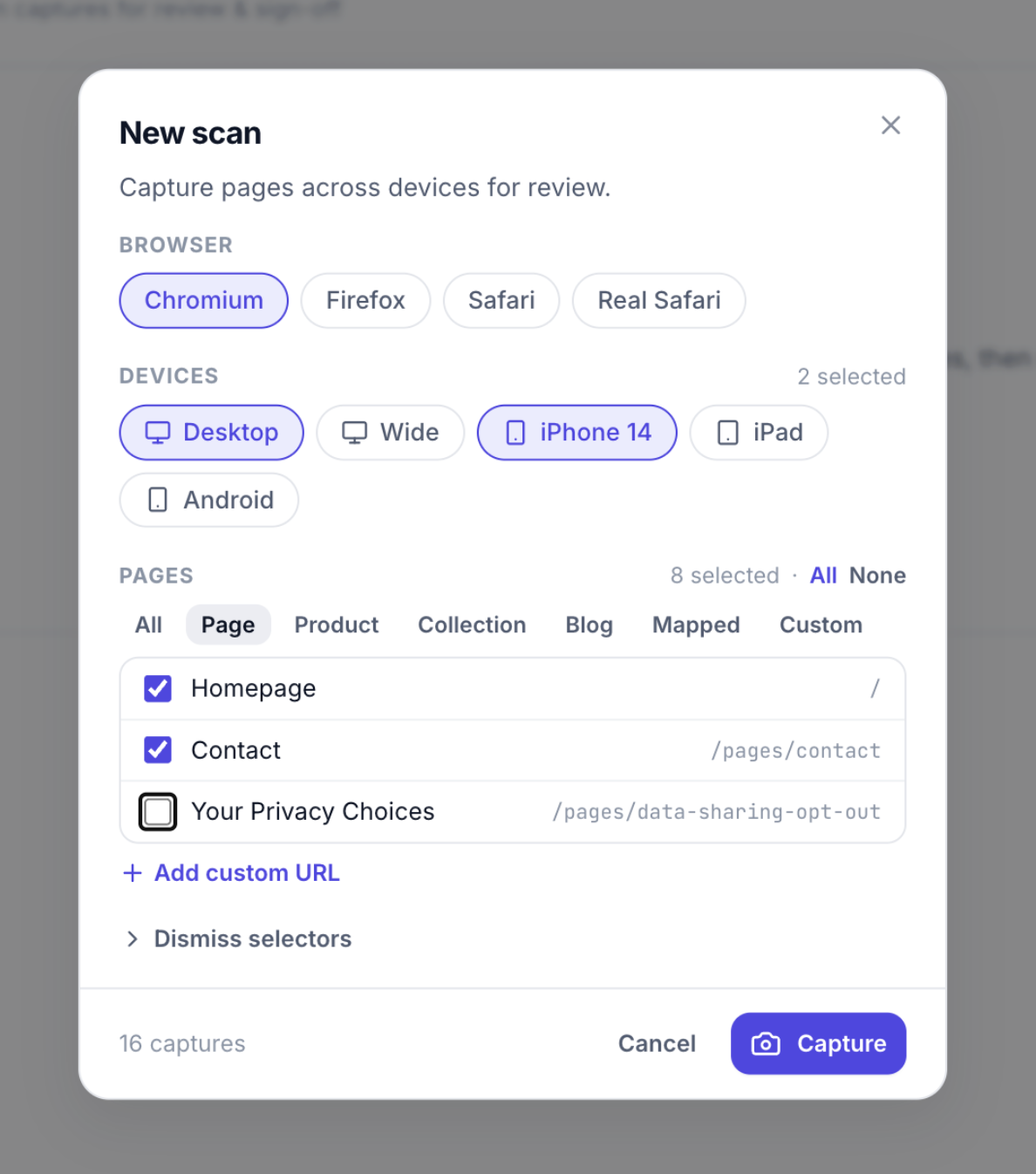
Sixteen screenshots. One click.
Eight pages on desktop and iPhone 14 is 16 captures you never take by hand.
Clients point at the page. You see the exact spot.
Send one link, no account needed. Every comment is pinned to the element, with the device and browser attached.
- Pins stay on the element at any screen size
- Reply, resolve and sign off page by page
- Share for a day, a month, or longer
The live theme changes only when you say so.
ThemeSync backs up the live theme to git every few minutes, edits from the Shopify admin included. Code goes back to the store when you click Deploy.
- Spots live themes nobody is tracking yet
- A full history of every admin edit
- Push to a draft first, publish when ready
Everything around the theme, handled.
The chores between "works on my machine" and launch day.
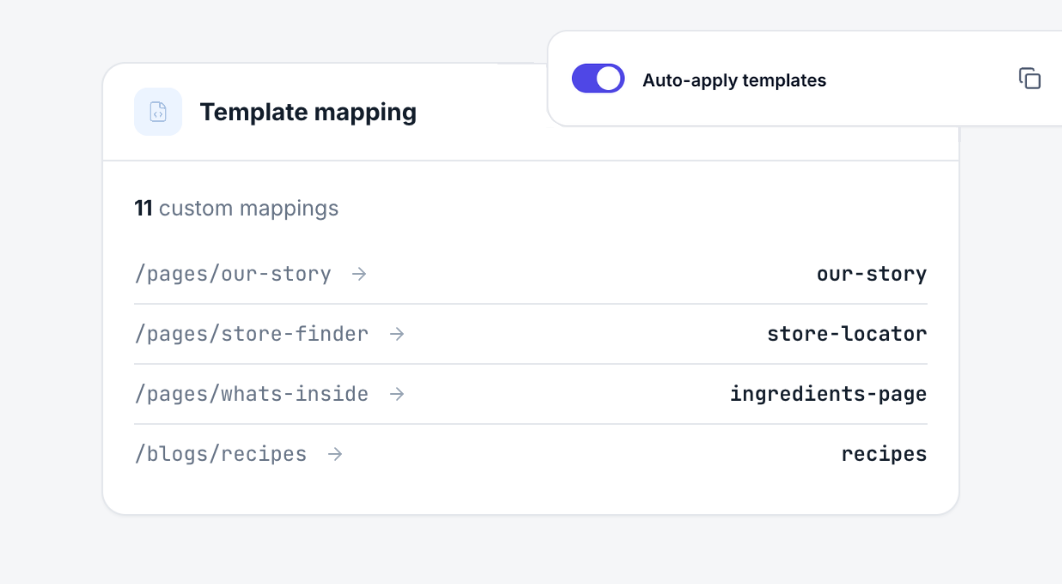
The right template on the right page.
Map alternate templates to real products, collections and pages. Clients just browse and see your work.
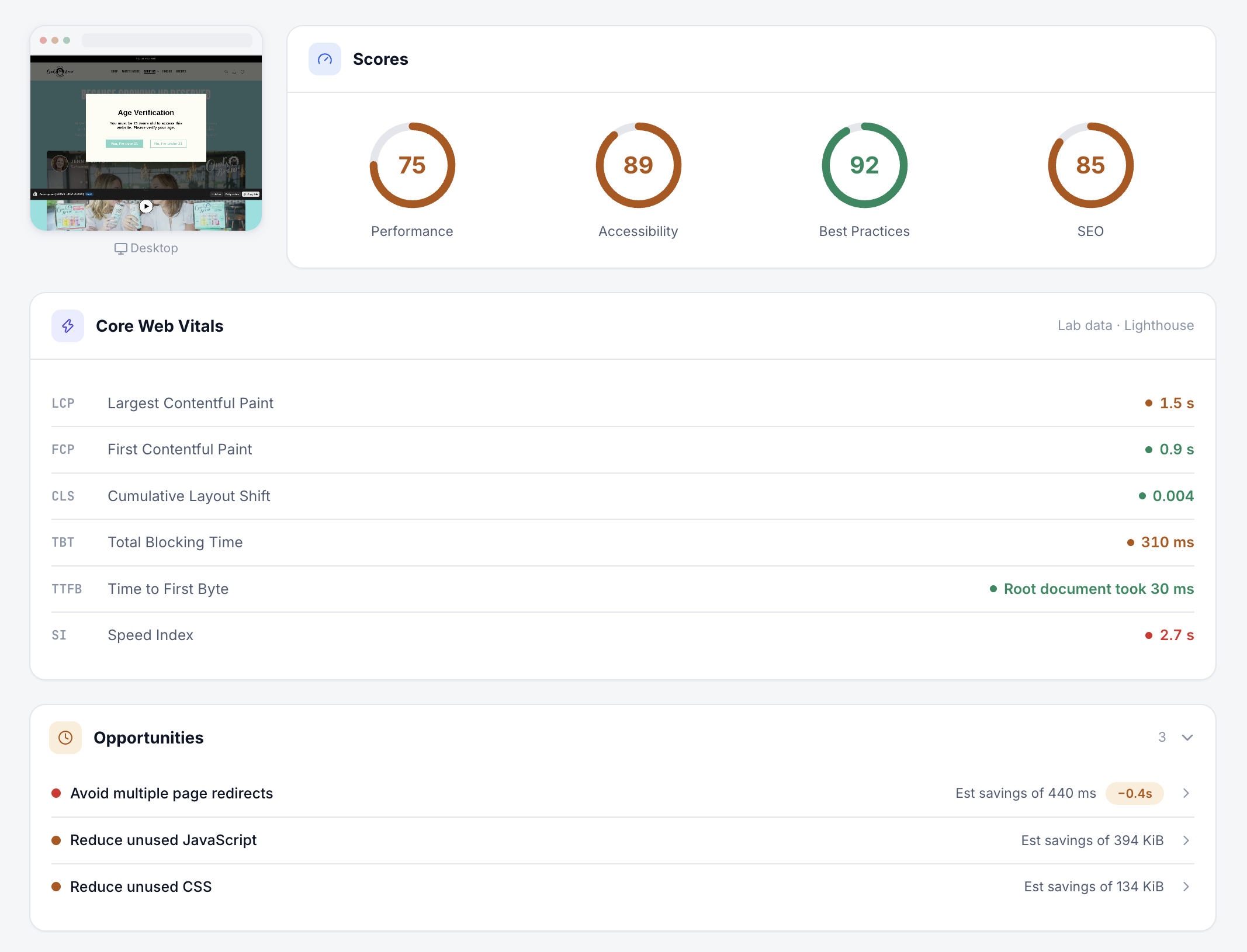
Know it's fast before launch.
Run PageSpeed on any preview and keep every score.
Apps that break previews, handled.
App blocks a dev theme can't load get set aside, then restored when you're done.
Theme healthBrowser quirks, flagged early.
A scan of your theme code points out what Safari and Firefox will get wrong.
Code scanShow design A and design B.
Up to three versions per store, each with its own link.
VersionsEveryone signs off, on the record.
Invite designers, QA and PMs. Each role approves in the same place, so launch day has no surprises.
Teams and rolesBuilding on WooCommerce? Come along.
Preview, visual QA and client feedback work for WordPress themes too.
ThemeSync for WooCommerceYour next launch, minus the busywork.
Connect a store and send your first preview link today.