Shopify Theme Project Scope Template
A scope document for theme projects: deliverables, templates in scope, revision limits, the sign-off process and change orders.
Free. No email required. Use your browser’s print dialog and choose “Save as PDF”.
Shopify Theme Project Scope
A complete scope document template for theme development projects. Defines deliverables, revision limits, sign-off process, and change order procedures.
Project Overview
Fill in the project basics. This section provides context for the rest of the document and is referenced when evaluating scope change requests.
Project Details
| Project Name | |
| Client | |
| Store URL | |
| Platform | Shopify / WooCommerce |
| Project Type | Full theme build / Redesign / Landing pages / Page refresh |
| Start Date | |
| Target Launch Date | |
| Project Lead | |
| Client Contact |
Project Description
Deliverables — Template List
Define deliverables as specific templates — not vague "pages." Each template is a countable, reviewable, approvable unit of work.
| # | Template Name | Type | Description | Status |
|---|---|---|---|---|
| 1 | page.home | Page | Homepage with hero, featured collections, value props | — |
| 2 | product.default | Product | Standard product page (images, variants, add-to-cart) | — |
| 3 | product.bundle | Product | Bundle product with component breakdown | — |
| 4 | collection.default | Collection | Standard collection grid with filtering | — |
| 5 | collection.featured | Collection | Featured collection with hero banner | — |
| 6 | page.about | Page | About/story page with team section | — |
| 7 | page.contact | Page | Contact page with form | — |
| 8 | page.faq | Page | FAQ with accordion sections | — |
| 9 | page.landing | Page | Marketing landing page template | — |
| 10 | blog.default | Blog | Blog listing page | — |
| 11 | article.default | Article | Blog post template | — |
| 12 | cart | Cart | Cart page / drawer | — |
Add or remove rows to match your project. The key is specificity — each row is one approvable deliverable.
Any templates NOT listed above are out of scope. Additional templates require a change order (see Section 5). Common exclusions to state explicitly:
- Additional custom product templates beyond those listed
- Custom landing pages not specified above
- Third-party app customization or integration beyond default placement
- Custom checkout modifications (Shopify Plus only)
- Email notification template customization
- Multi-language/localization setup
Revision Policy
Define clear boundaries for what constitutes a "revision" vs. a "change request." This section prevents the most common scope disputes.
Definitions
Revision (Included in Scope)
A modification to an existing deliverable that brings it closer to the approved design. The output should match what was approved in Figma/design phase. Revisions correct implementation issues — they don't introduce new requirements.
Examples: Fixing spacing that doesn't match the design, correcting a color value, adjusting font size to match the mockup, fixing responsive behavior that was spec'd differently.
Change Request (Additional Scope)
A modification that introduces new requirements not present in the approved design. Changes add features, alter approved layouts, or request entirely new pages/sections.
Examples: "Can we add a mega-menu?" (wasn't in design), "Can we change from 3 columns to 4?" (approved design showed 3), "Can we add a custom calculator?" (new feature).
Revision Rounds
| Phase | Included Rounds | Timeline Per Round |
|---|---|---|
| Design revisions (in Figma) | 2 rounds | 3 business days |
| Development revisions (on preview) | 2 rounds | 5 business days |
After the included revision rounds, additional rounds are billed at the project's hourly rate ($___/hr).
Feedback Requirements
- All feedback for a given round must be submitted together — not piecemeal over multiple days
- Feedback must be submitted within 5 business days of receiving the preview
- If no feedback is received within the deadline, the current state is considered approved
- Contradictory feedback (requesting a change, then requesting the original back) counts against revision rounds
Without explicit revision limits, projects spiral. A "quick tweak" becomes 5 rounds of back-and-forth. Defining rounds upfront sets expectations and makes scope conversations easier — you're referencing an agreement, not having a confrontation.
Sign-Off Process
Define what "approved" means and how it's captured. This protects both parties.
Approval Chain
| Stage | Approver | What's Approved | Method |
|---|---|---|---|
| Design | Client | Visual design direction (Figma) | Written confirmation (email or Figma comment) |
| Internal QA | PM / QA Lead | Cross-browser compatibility, code quality | Internal sign-off in project tool |
| Client Review | Client | Implementation matches expectations | Per-template approval (email or feedback tool) |
| Launch | Client + PM | Ready to go live | Written confirmation |
What "Approved" Means
- Approval is per template — each deliverable in Section 2 is approved individually
- Approval means "this template is complete and ready for launch as-is"
- After approval, changes to that template are change requests (even if they seem small)
- Approval is documented with date and person (email timestamp or tool record)
Approval Timeout
If a template has been in "awaiting approval" status for more than 10 business days without client response, it is considered approved. Client will be reminded at day 5 and day 8.
Post-approval changes are billed as change orders regardless of size. This isn't about being rigid — it's about maintaining clear boundaries so both parties know where they stand. Small requests can be accommodated generously at the developer's discretion.
Change Order Process
When a request falls outside the agreed scope, this process applies.
How a Change Order Works
- Client makes a request that falls outside the scope defined in Section 2 or contradicts an approved design
- Developer identifies it as out-of-scope and notifies the client (referencing this document)
- Developer provides an estimate — hours, cost, and impact on timeline
- Client approves or declines the change order in writing
- If approved: work begins after written confirmation; invoice added to project total
- If declined: the original scope continues unchanged
Change Order Rates
| Hourly rate for changes | $___/hr |
| Minimum charge per change order | ___ hours |
| Turnaround for change order estimate | ___ business days |
What Triggers a Change Order
- Requesting a new template not listed in Section 2
- Requesting new functionality not in the approved design
- Significant design direction changes after design approval
- Additional revision rounds beyond those included
- Third-party app integration beyond default placement
- Content migration or data entry work
- Requesting work outside the agreed platform (e.g., email templates, external landing pages)
Change orders aren't punishment — they're clarity. Most clients appreciate knowing exactly what's included vs. extra. The scope document should feel protective for both sides, not adversarial.
Timeline
High-level milestones. Adjust dates per project. Note which milestones require client action — delays on their side shift subsequent dates.
| Milestone | Target Date | Owner | Dependencies |
|---|---|---|---|
| Project kickoff | Both | — | |
| Design delivery (Figma) | Agency | — | |
| Design approval | Client | Client reviews within 5 days | |
| Development complete | Agency | Design approved | |
| Preview ready (internal QA passed) | Agency | — | |
| Client review period | Client | Client reviews within 5 days | |
| Revisions complete | Agency | Feedback received | |
| Final approval | Client | Client signs off within 5 days | |
| Launch | Agency | All approvals received |
Dates above assume client responses within the stated timeframes. Each business day of client delay shifts all subsequent milestones by one business day. If cumulative client delays exceed 10 business days, the project timeline will be renegotiated.
Responsibilities
Agency Provides
- Design (Figma), development, and deployment of all listed templates
- Cross-browser QA (Chromium, Firefox, WebKit) at desktop, tablet, and mobile viewports
- Preview environment with correct template mapping
- Client feedback mechanism (pin-based tool or structured template)
- Revisions within the included rounds
- Launch deployment and 24-hour post-launch monitoring
Client Provides
- Timely feedback within stated deadlines
- Brand assets (logo, fonts, color codes, photography) by project kickoff
- Content (product descriptions, page copy, images) or confirmation to use existing
- Access to Shopify admin (collaborator access or staff account)
- Shopify Admin API token (for template sync and store data access)
- Decision authority — the reviewer must have sign-off power
Agreement
Both parties agree to the scope, deliverables, timeline, and processes described in this document. Work proceeds based on this agreement.
Agency
Signature: Date:
Name: Title:
Client
Signature: Date:
Name: Title:
This template is a starting point — not legal advice. Have your attorney review before using in client engagements. Customize to your jurisdiction, business terms, and project specifics.
Where ThemeSync fits
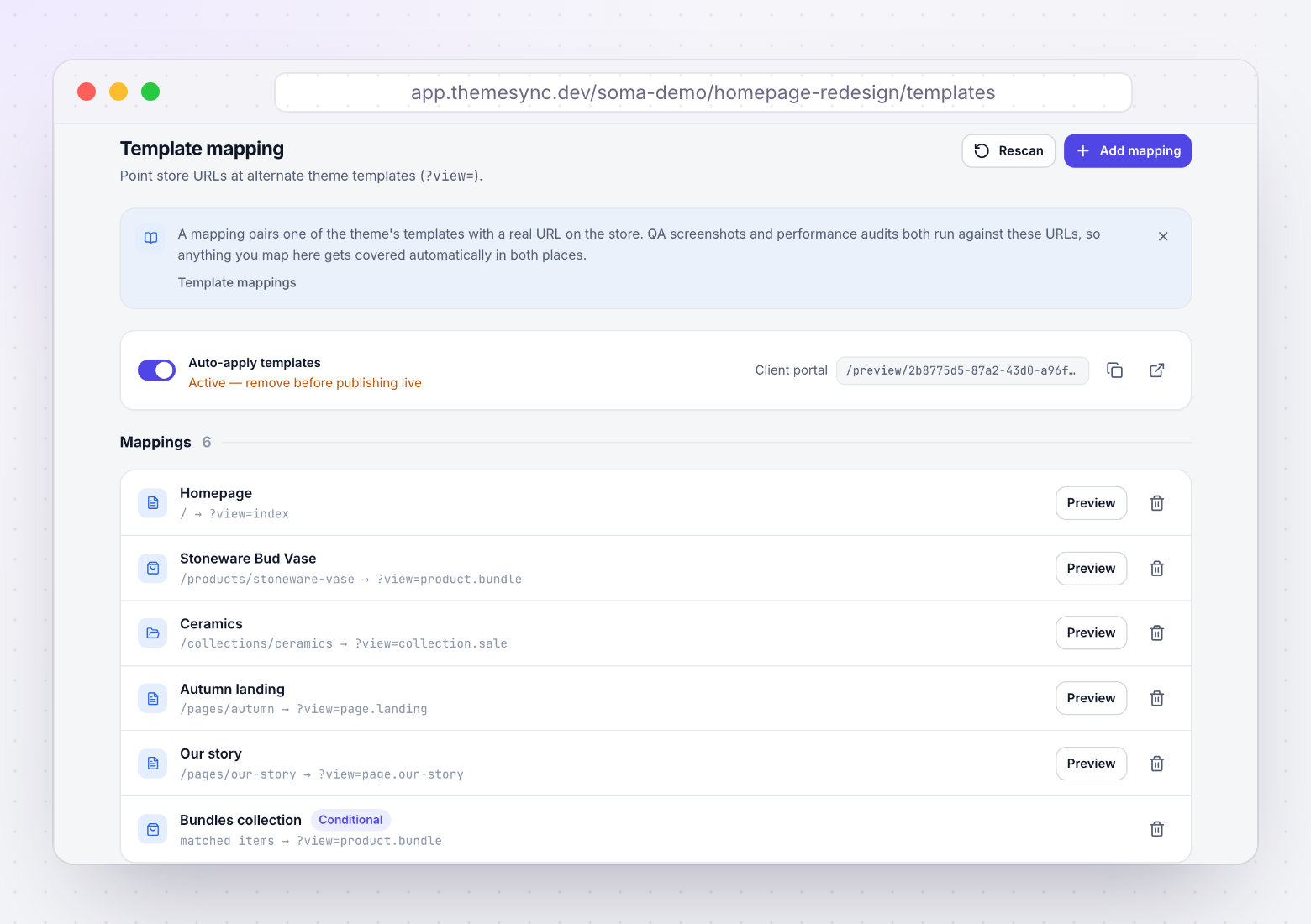
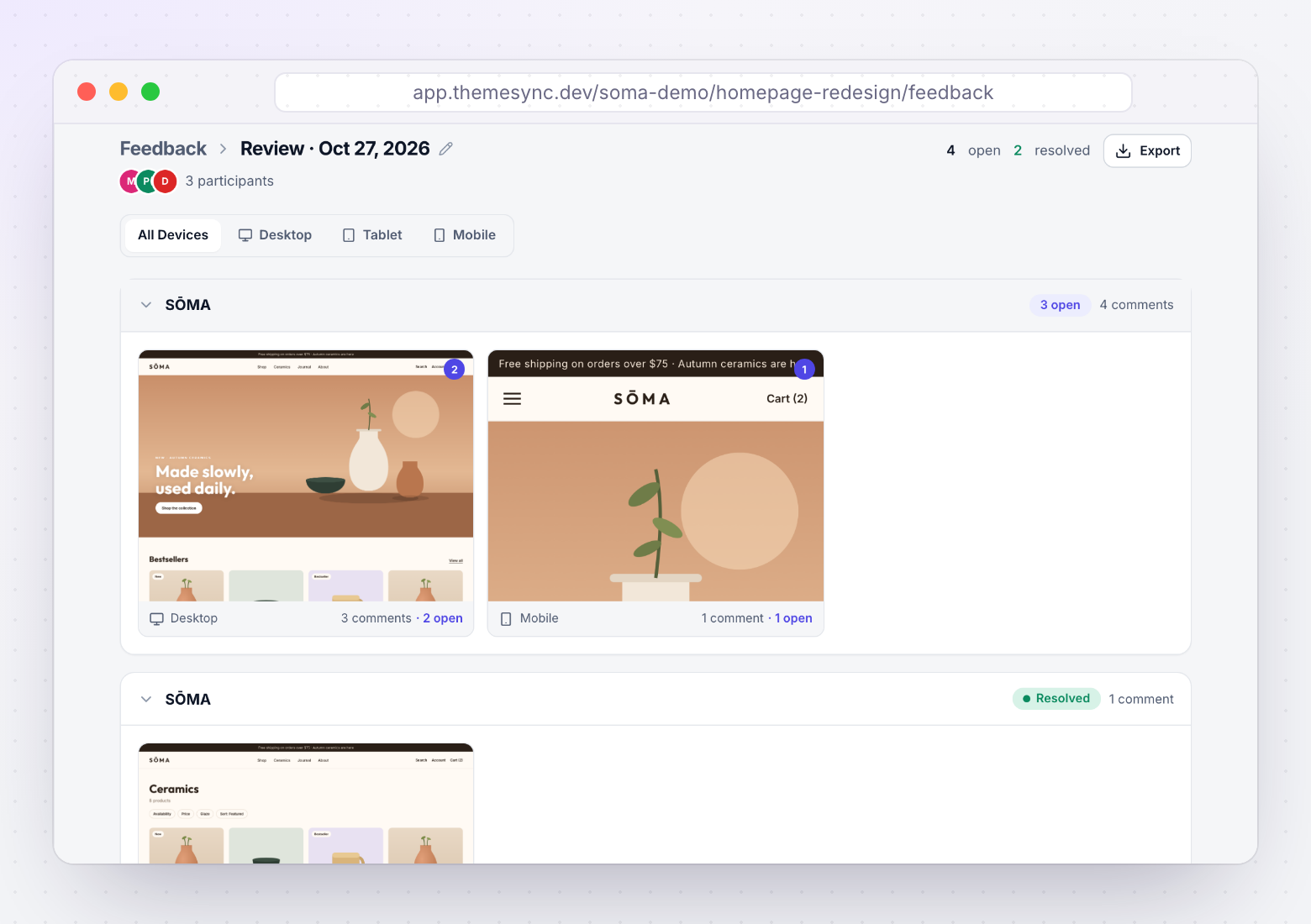
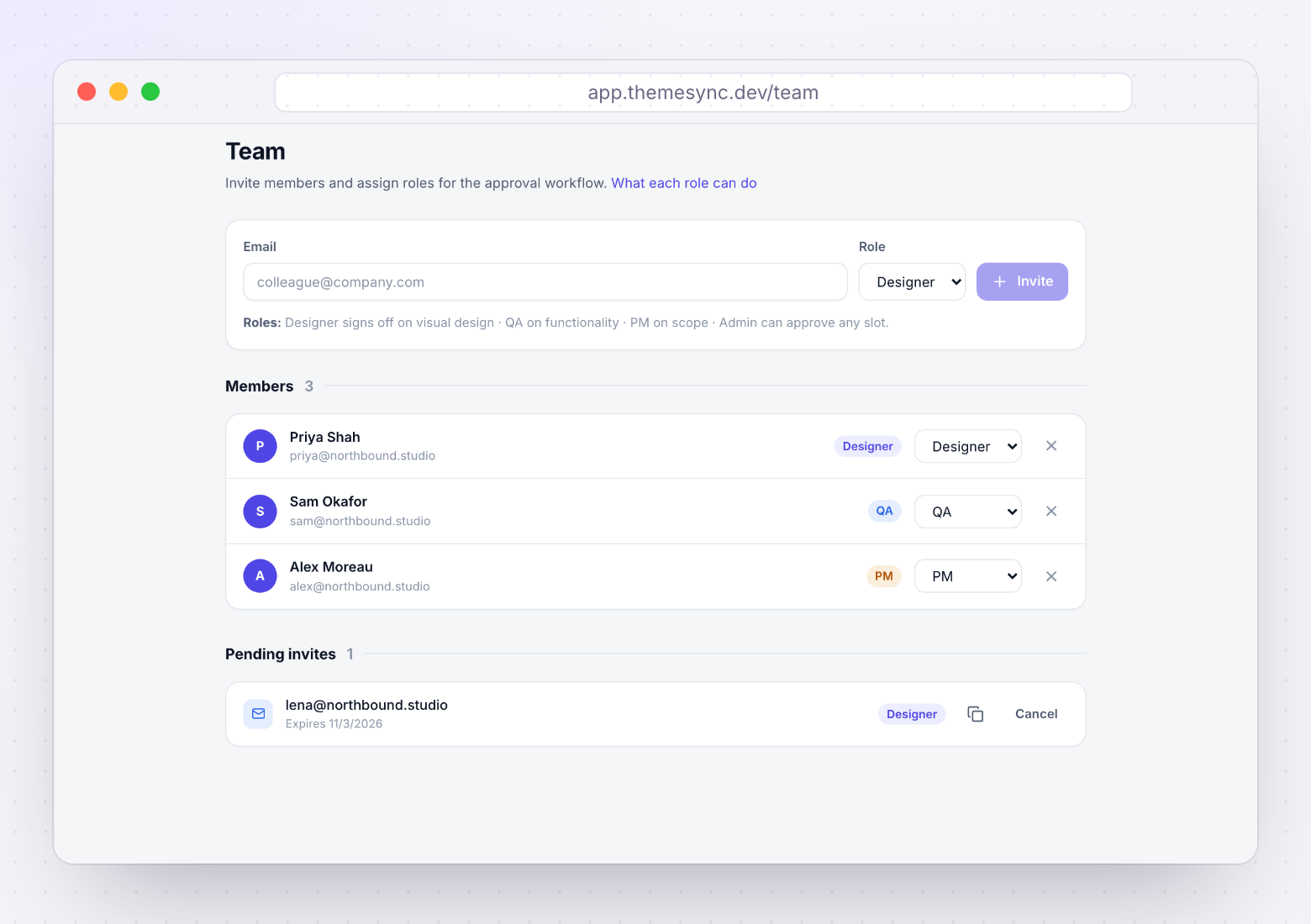
You write the scope document. Three of its sections have a direct counterpart in ThemeSync, so the agreement and the review use the same list. Screens are from a demo store.
More free resources
 ChecklistThe Theme Ops ChecklistThe 86-point quality checklist for Shopify and WooCommerce theme projects, from the first git push to client sign-off. Print it or save it as a PDF.
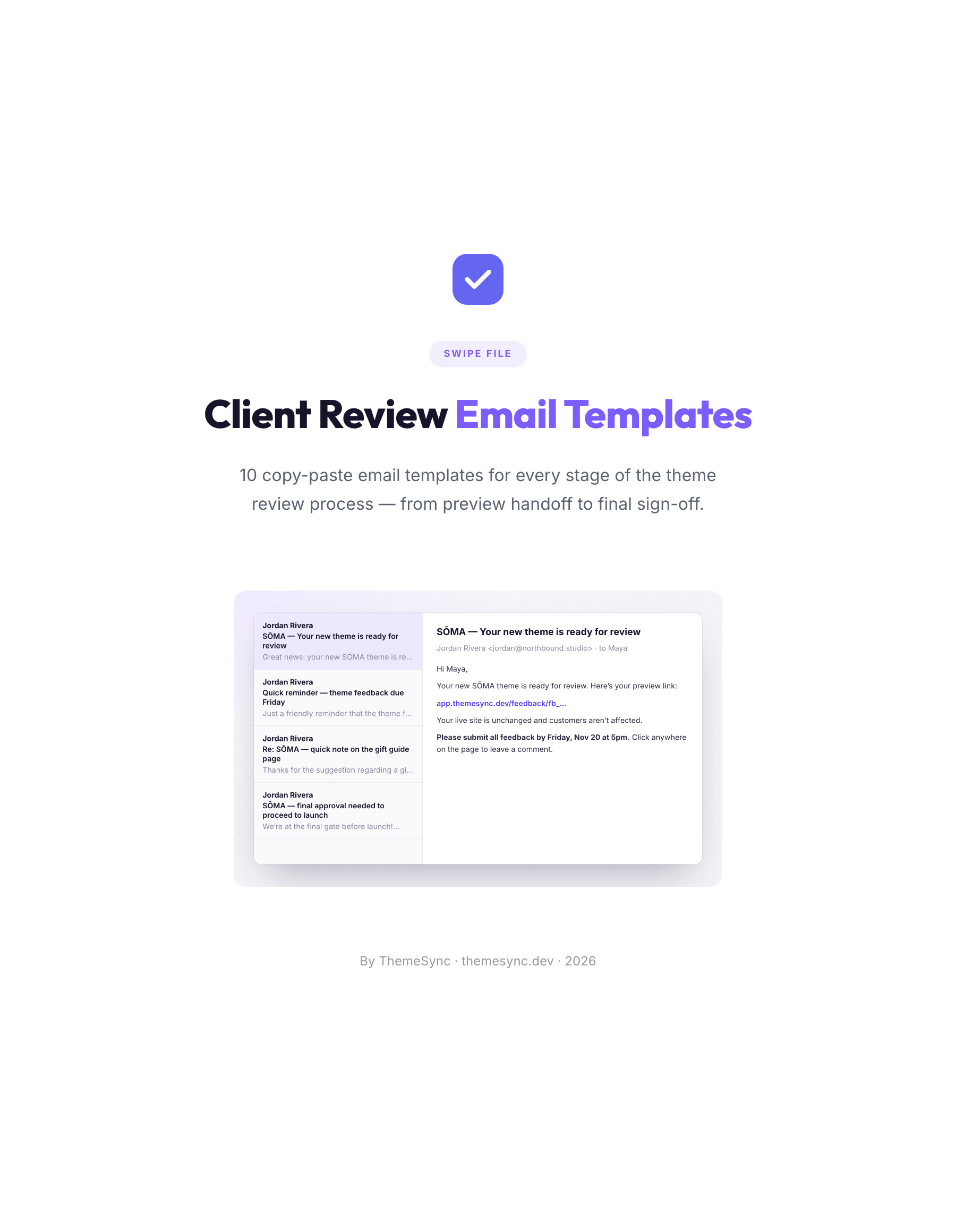 TemplatesClient Review Email Templates10 copy-paste emails for every stage of a theme review, from the preview handoff to final sign-off, including reminders and scope replies.
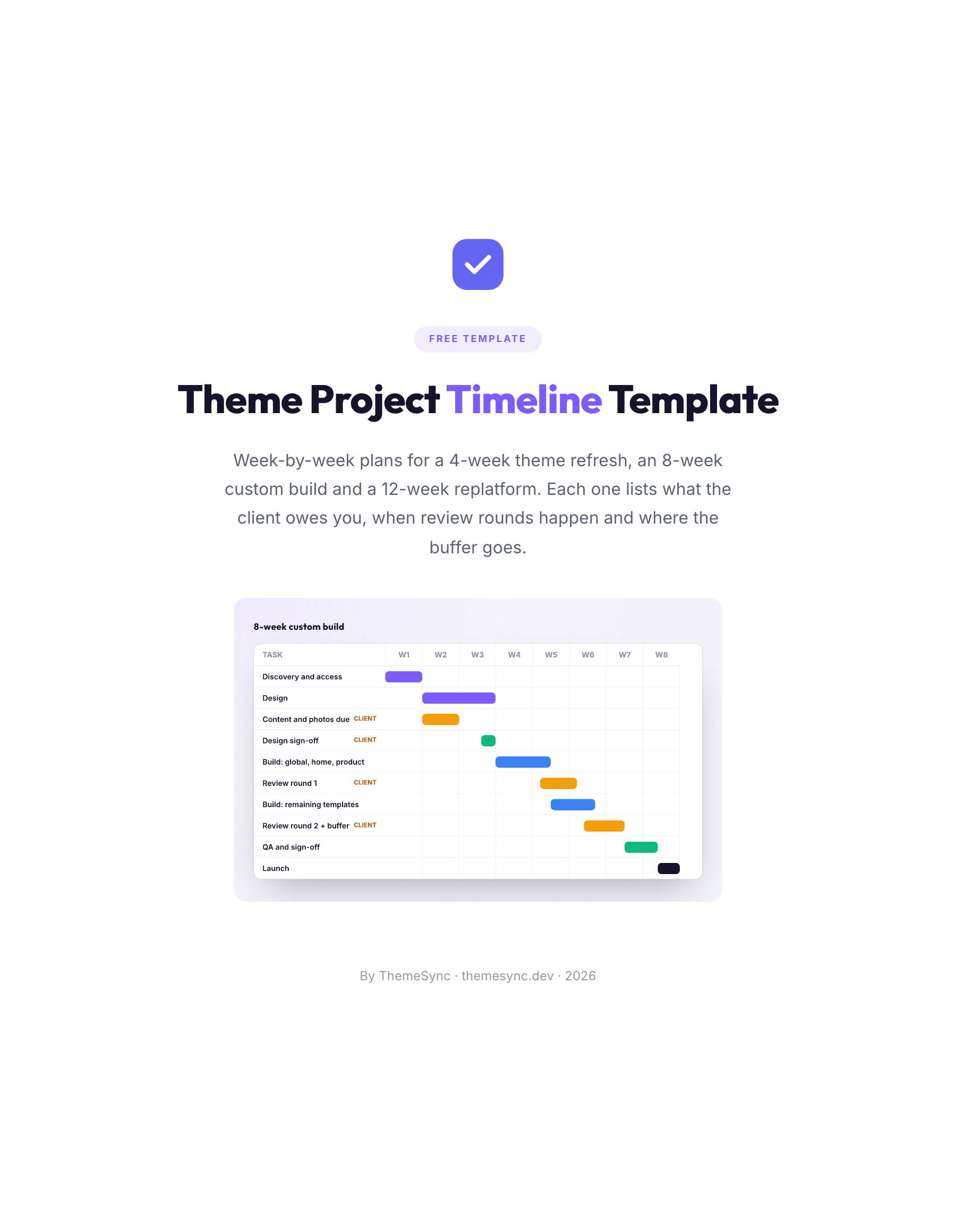 TemplateTheme Project Timeline TemplateWeek-by-week plans for a 4-week refresh, an 8-week custom build and a 12-week replatform, with client inputs, review rounds and buffers.