The Theme Ops Checklist
The 86-point quality checklist for Shopify and WooCommerce theme projects, from the first git push to client sign-off. Print it or save it as a PDF.
Free. No email required. Use your browser’s print dialog and choose “Save as PDF”.
The Theme Ops Checklist
The complete quality checklist for Shopify & WooCommerce theme development — from first git push to client sign-off.
How to Use This Checklist
This checklist covers the entire theme development lifecycle — what we call "Theme Ops." Use it per-project to ensure nothing slips through the cracks between code-complete and client sign-off.
The checklist is organized into 5 phases:
- Develop — Code quality and completeness
- Preview — Client-ready presentation
- QA — Cross-browser and compatibility testing
- Feedback — Client review and revision tracking
- Deploy — Go-live readiness
Print this page (Ctrl+P / Cmd+P) and select "Save as PDF" for a clean PDF version. Or print physical copies for your team to check off during each project.
When to Use Each Phase
Don't try to run the entire checklist at once. Each phase has a natural trigger:
- Phase 1 (Develop) — When the developer considers feature work "done"
- Phase 2 (Preview) — Before showing anything to non-developers
- Phase 3 (QA) — Before sending to client for review
- Phase 4 (Feedback) — During client review period
- Phase 5 (Deploy) — After client approval, before publishing
Assign each phase to a specific team member. Phase 1 = developer. Phase 2 = developer or PM. Phase 3 = QA lead or PM. Phase 4 = PM. Phase 5 = developer + PM jointly.
Develop — Code Quality & Completeness
Ensure the theme code is complete, clean, and ready for review before moving to the preview phase.
Templates
- All templates from the design spec are builtCross-reference with the Figma file or project scope document
- Each template renders without Liquid errorsCheck Shopify CLI output for rendering warnings
- No placeholder content or TODO comments in shipped code
- Template naming follows project conventionse.g. page.landing.json, product.bundle.json — consistent, descriptive
Code Quality
- shopify theme check passes with no critical issuesWarnings are acceptable; errors are not
- Code reviewed by a second developer
- Merged to the designated branch (develop or main)
- No console errors on page load (any template)
- CSS is organized and follows project conventionsNo inline styles for structural layout; utility classes used consistently
Git & Version Control
- Feature branch merged via pull request
- Commit messages are descriptiveNot "fix stuff" — describe what changed and why
- No secrets, API keys, or .env files committed
- Branch is clean (no uncommitted work left behind)
Accessibility (Baseline)
- All images have alt textDecorative images use alt=""
- Heading hierarchy is logical (h1 → h2 → h3, no skips)
- Interactive elements are keyboard-accessibleTab through the page — can you reach and activate all buttons/links?
- Color contrast meets WCAG AA minimum (4.5:1 for text)
- Form inputs have associated labels
Don't move to Phase 2 until all critical items above are checked. Preview should start from a clean, error-free codebase.
Preview — Client-Ready Presentation
Make the theme browsable and understandable by non-developers. This is about presentation, not code.
Template Mapping
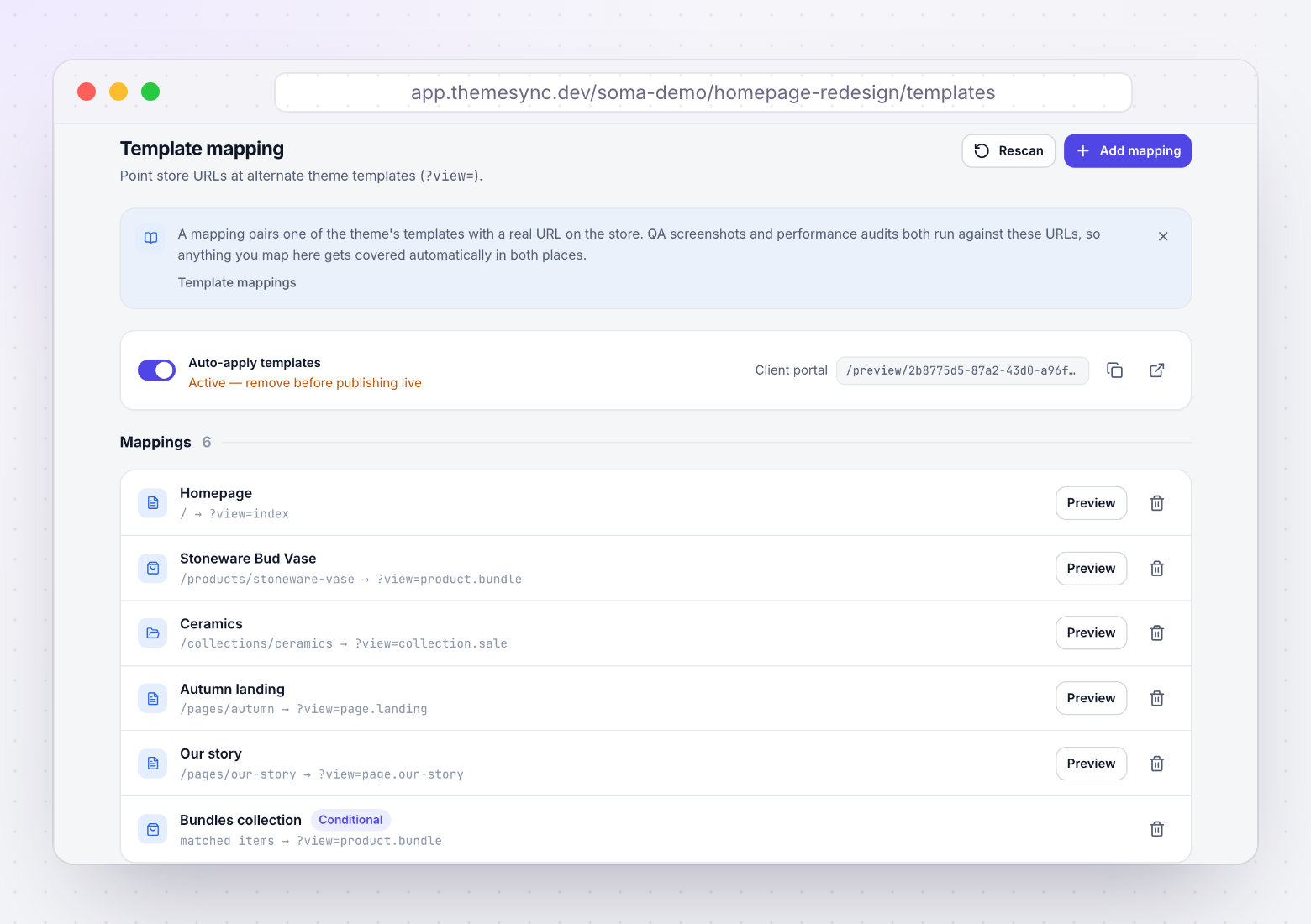
- All custom templates are mapped to correct store resourcespage.landing → /pages/landing, product.bundle → bundle products, etc.
- Navigation links resolve to correctly-templated pagesClick every nav item — does it show the intended design?
- No pages show the default template that should have a custom one
- Conditional mappings verified (if applicable)e.g. "all bundle products use product.bundle" — test with 2-3 examples
Content
- All sections populated with real or realistic contentNo "Lorem ipsum," no broken images, no empty sections visible
- Hero images/banners are populated (or clearly marked as placeholder)
- Product images and data reflect the actual storePreview is using production data — verify it looks right
- Footer links, contact info, and social links are present
Navigability
- Full navigation flow tested end-to-endHomepage → collection → product → cart (Shopify handles checkout)
- Mobile navigation (hamburger menu) works correctly
- Search returns relevant results
- Back button behavior is logical (no loops or dead ends)
- Preview URL is shareable (not dependent on local state)
Browse the entire preview as if you were the client. If anything looks unfinished, confusing, or broken, fix it before moving to QA. First impressions matter.
QA — Cross-Browser & Compatibility Testing
Catch rendering issues and compatibility problems before the client sees the preview.
Cross-Browser Screenshots
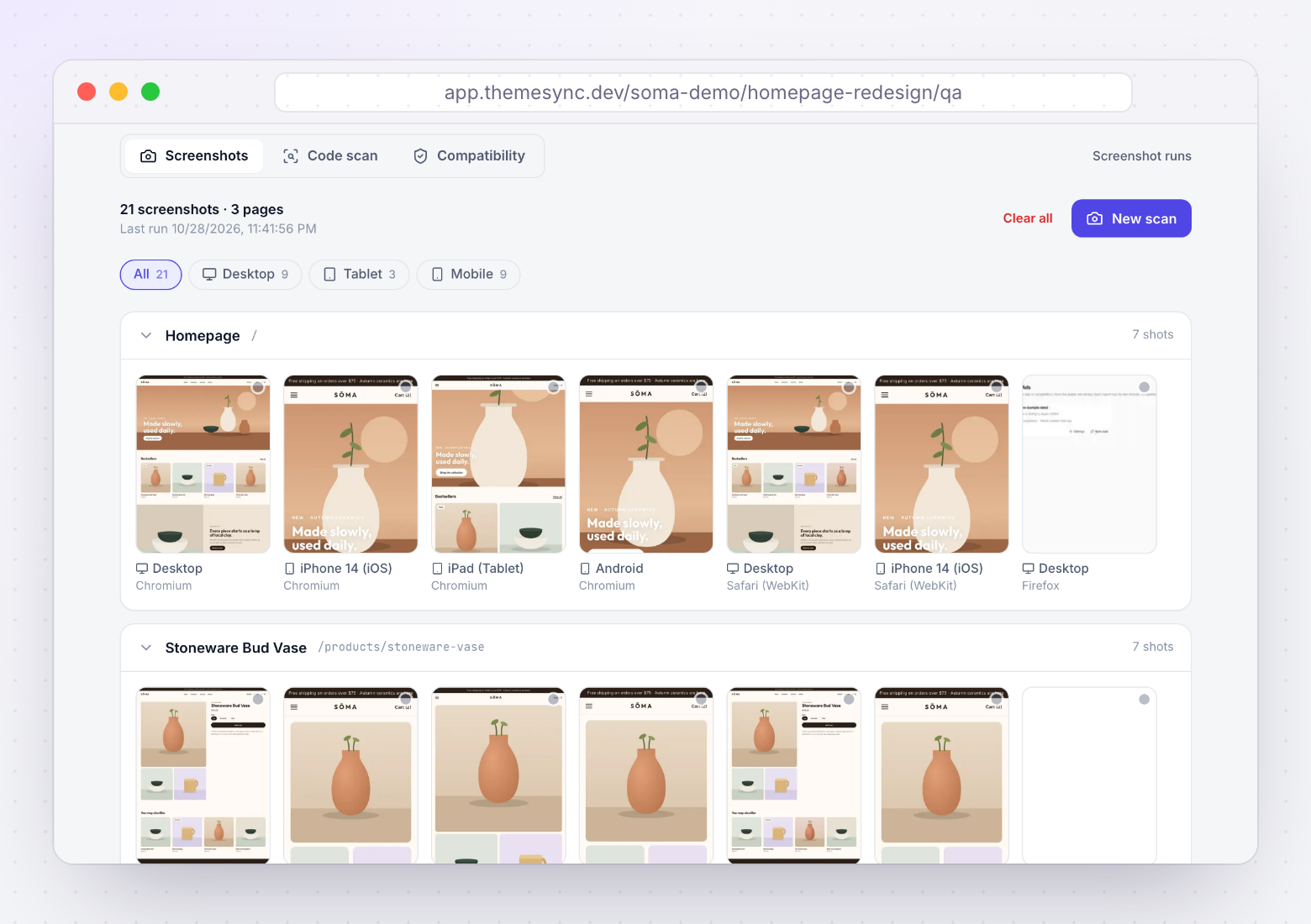
- Chromium (Chrome/Edge) — all templates reviewed
- Firefox (Gecko) — all templates reviewed
- WebKit (Safari) — all templates reviewed
- Real Safari/iOS spot-check (if applicable)At minimum: homepage + most complex product page
Viewport Testing
- Desktop (1280px+) — no horizontal scroll, layouts correct
- Tablet (768px) — grid collapse behavior, touch targets
- Mobile (390px) — single column, readable text, thumb-friendly
- Wide desktop (1920px) — content doesn't stretch absurdly
Common Issues to Check
- Flexbox gap rendering (older Safari)
- backdrop-filter has -webkit- prefix
- Sticky header behavior across browsers
- Font loading and rendering (no FOUT/FOIT)
- Video autoplay (Safari blocks more aggressively)
- Scroll behavior consistency
Theme Compatibility
- App embeds scan — all referenced apps identifiedWill the destination store have these apps installed?
- Custom metafield references — all identifiedWill the destination store have these metafield definitions?
- No pages 404 due to missing dependencies
Performance
- Largest Contentful Paint (LCP) under 3 seconds
- Cumulative Layout Shift (CLS) under 0.1
- No render-blocking resources above the fold
- Images are optimized (WebP, proper sizing, lazy-loaded below fold)
Zero critical layout issues across all three engines. All app/metafield dependencies documented. Performance within acceptable range. Only then proceed to client review.
Feedback — Client Review & Revisions
Manage the client review process with structure, clarity, and documentation.
Before Sending to Client
- Preview URL tested in an incognito browserEnsure it works without your session/cookies
- Feedback mechanism is set up and testedPin-based tool, or feedback template ready to share
- Known limitations documented (what to ignore)
- Feedback deadline communicated"Please submit all feedback by [date]"
- Context-setting email or walkthrough scheduled
During Client Review
- All feedback items captured with contextPage, section, device, screenshot — either auto-captured or manually provided
- Each item categorized: bug fix vs. change requestBug = it doesn't match the approved design. Change = new request.
- Change requests flagged and scoped separately
- Questions and clarifications tracked (not just in email)
After Revisions
- All feedback items resolved or explicitly deferred
- Client has approved each template (explicit sign-off)Not assumed from silence — documented "approved" status
- Sign-off is timestamped and attributed
- Deferred items documented for post-launch or Phase 2
Explicit sign-off prevents scope disputes later. "Looks good" in an email is not the same as per-template documented approval. Get clear confirmation for each deliverable.
Deploy — Go-Live Readiness
Final checks before publishing the theme to production.
Pre-Deployment Cleanup
- Template mapping snippet removedAuto-mapping code should not be in the published theme
- Feedback overlay/injection removed
- Debug scripts, test content, and dev-only code removed
- All console.log statements removed
- Final shopify theme check passes
Sign-Off Gate
- Designer sign-off completeVisual implementation matches design intent
- Developer sign-off completeCode is production-ready, no known issues
- PM sign-off completeScope delivered, client expectations met
- Client sign-off completeAll templates approved, documented
Deployment
- Current live theme backed upDownload a copy or duplicate as "Backup [date]"
- Deployment window communicated to stakeholders
- Theme published via Shopify CLI or admin
- Custom templates assigned to correct resources in admin
- Redirects configured (if URLs changed)
Post-Launch Verification (First 24 Hours)
- Homepage loads correctly
- Key product pages verified
- Add-to-cart and checkout flow tested
- No new JavaScript console errors
- Conversion rate monitored (no significant drop)
- Core Web Vitals checked (no regression)
- Client notified of successful launch
If something goes wrong post-launch, you can revert to the backup theme within 30 seconds via Shopify admin. Have this documented and communicate to the team before deploying.
Want to automate this checklist?
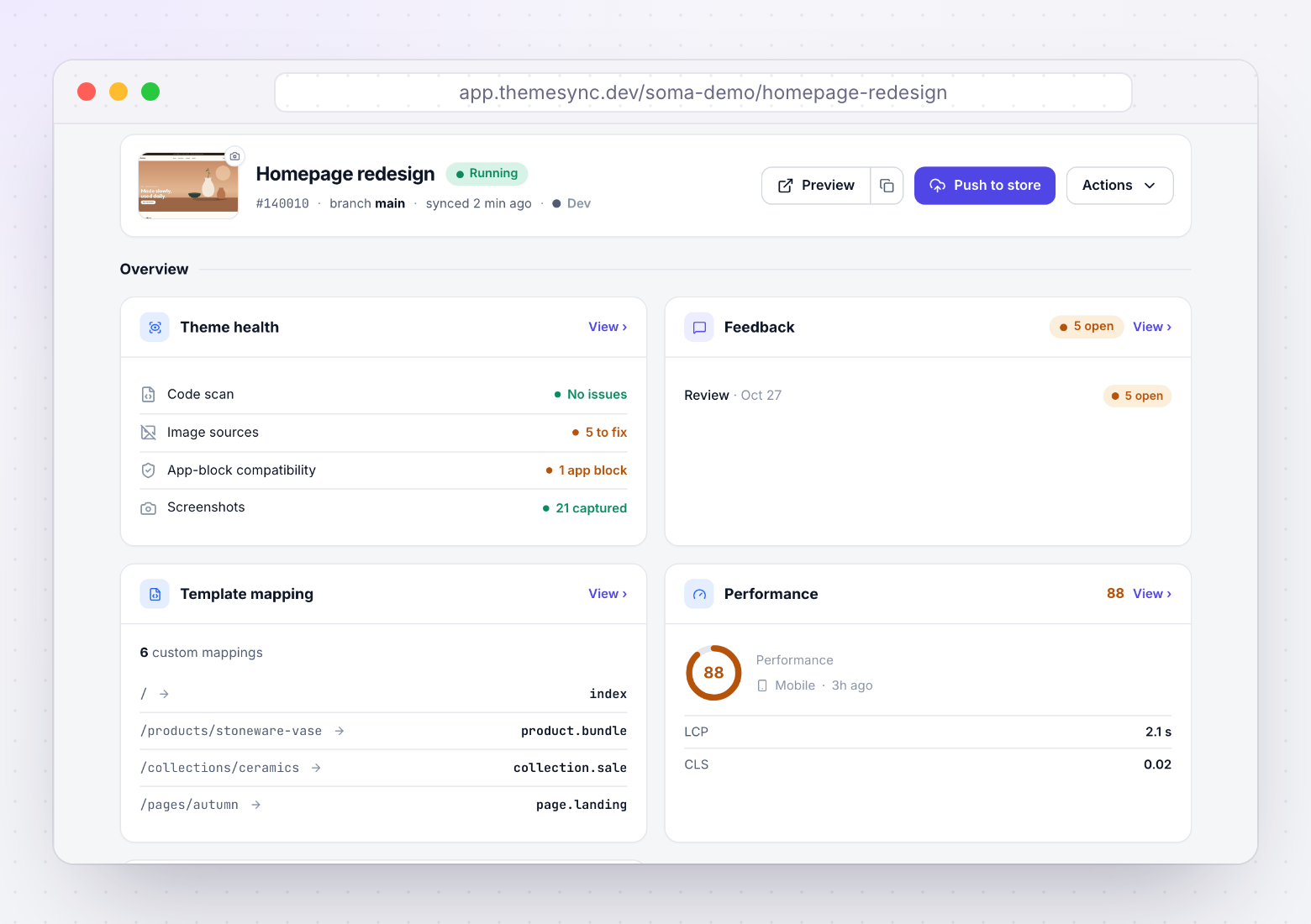
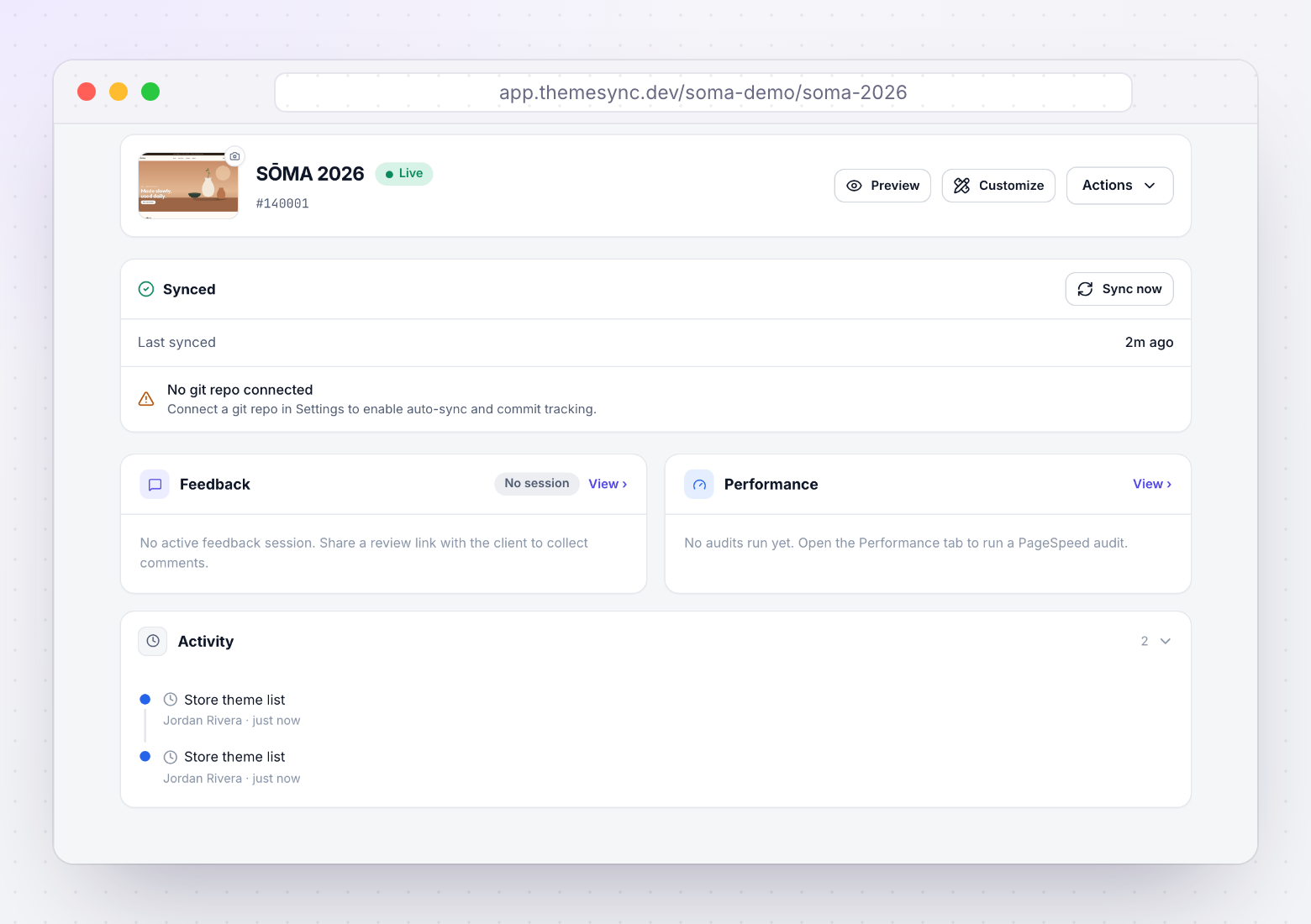
ThemeSync covers template mapping, cross-browser screenshots, client feedback and sign-off in one dashboard, so most of this checklist is tracked as you work.
themesync.dev
Where ThemeSync fits
Three of the five phases have a screen in ThemeSync. Phase 1 (code) and most of phase 4 still depend on your team. Screens are from a demo store.
More free resources
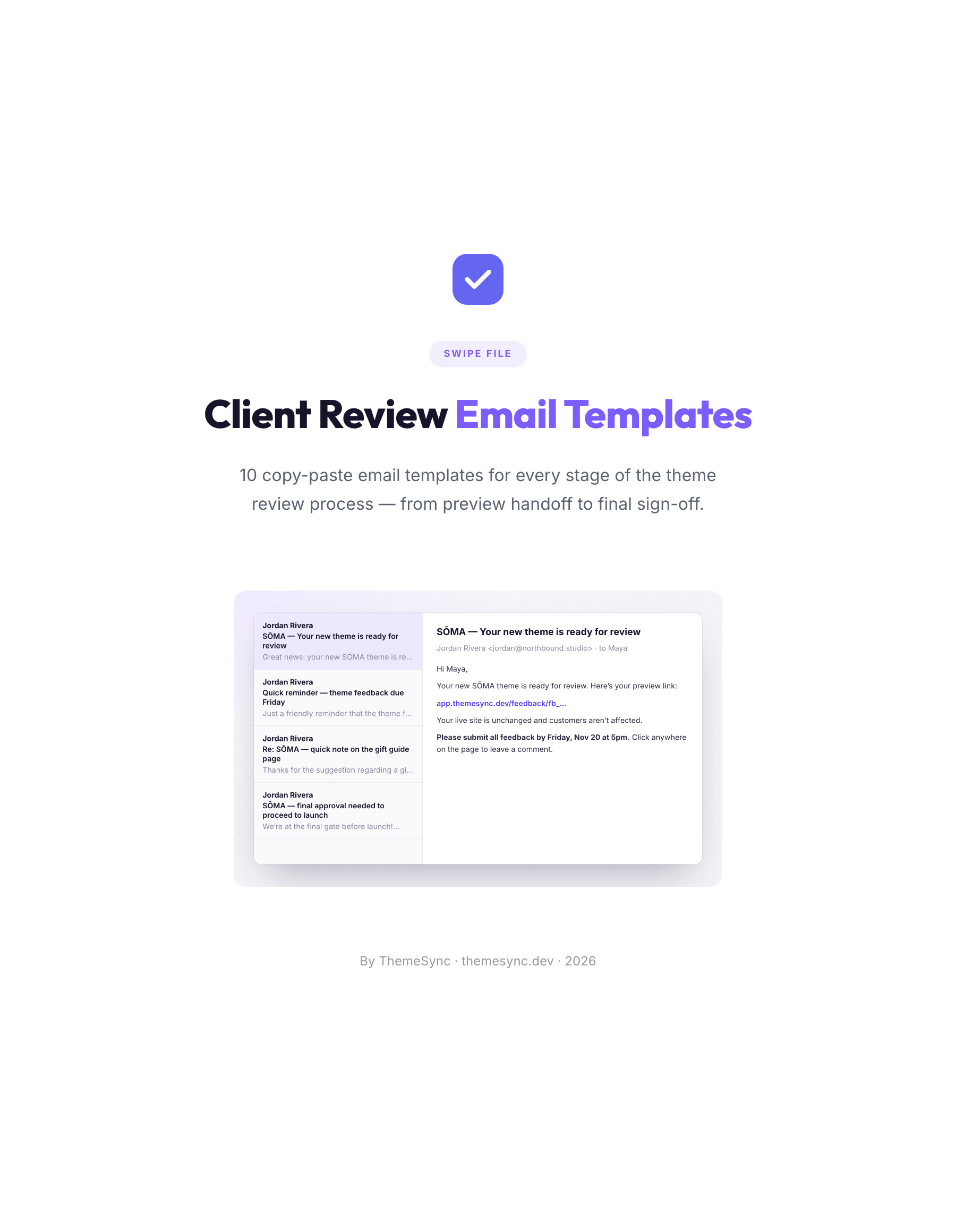 TemplatesClient Review Email Templates10 copy-paste emails for every stage of a theme review, from the preview handoff to final sign-off, including reminders and scope replies.
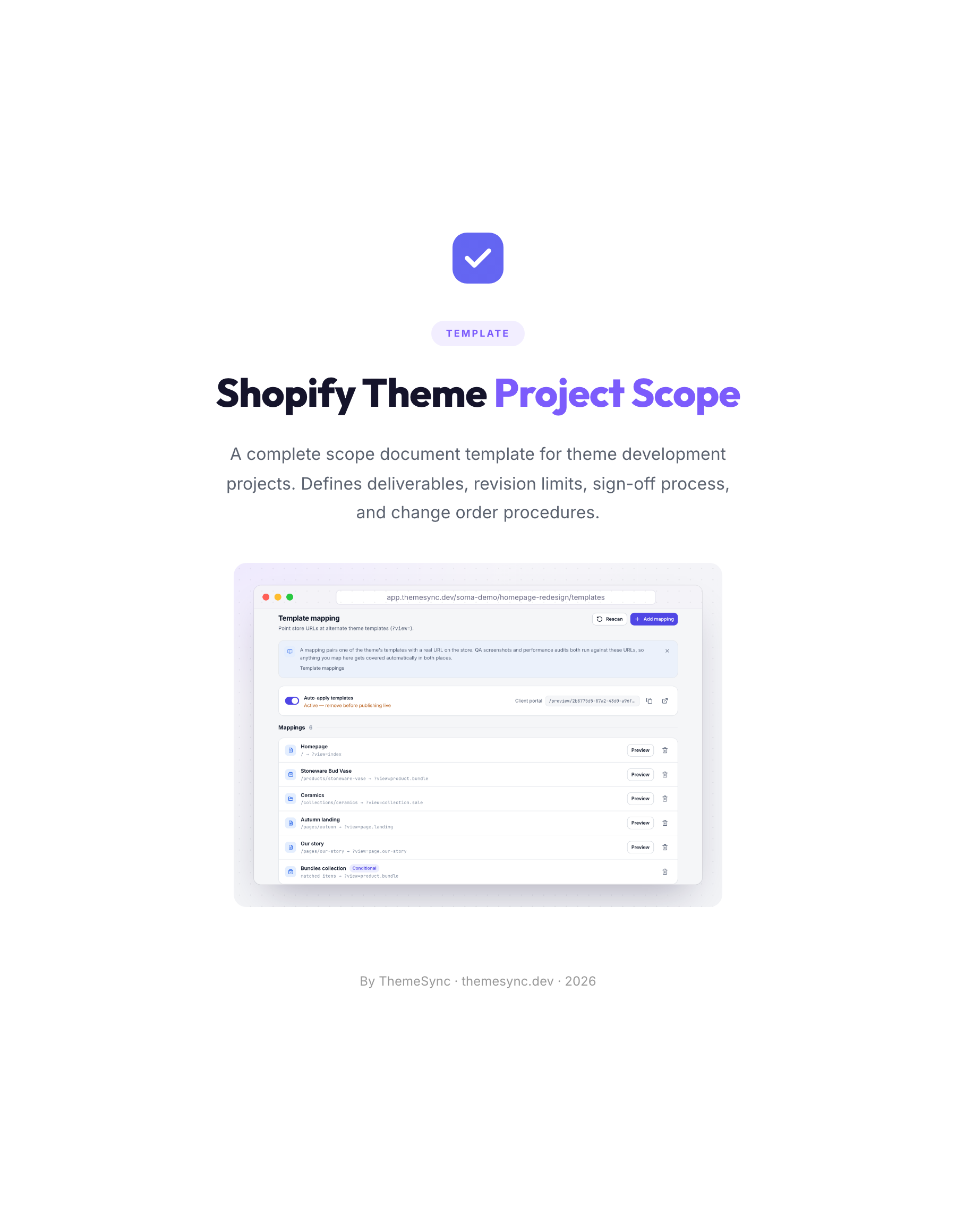 TemplateShopify Theme Project Scope TemplateA scope document for theme projects: deliverables, templates in scope, revision limits, the sign-off process and change orders.
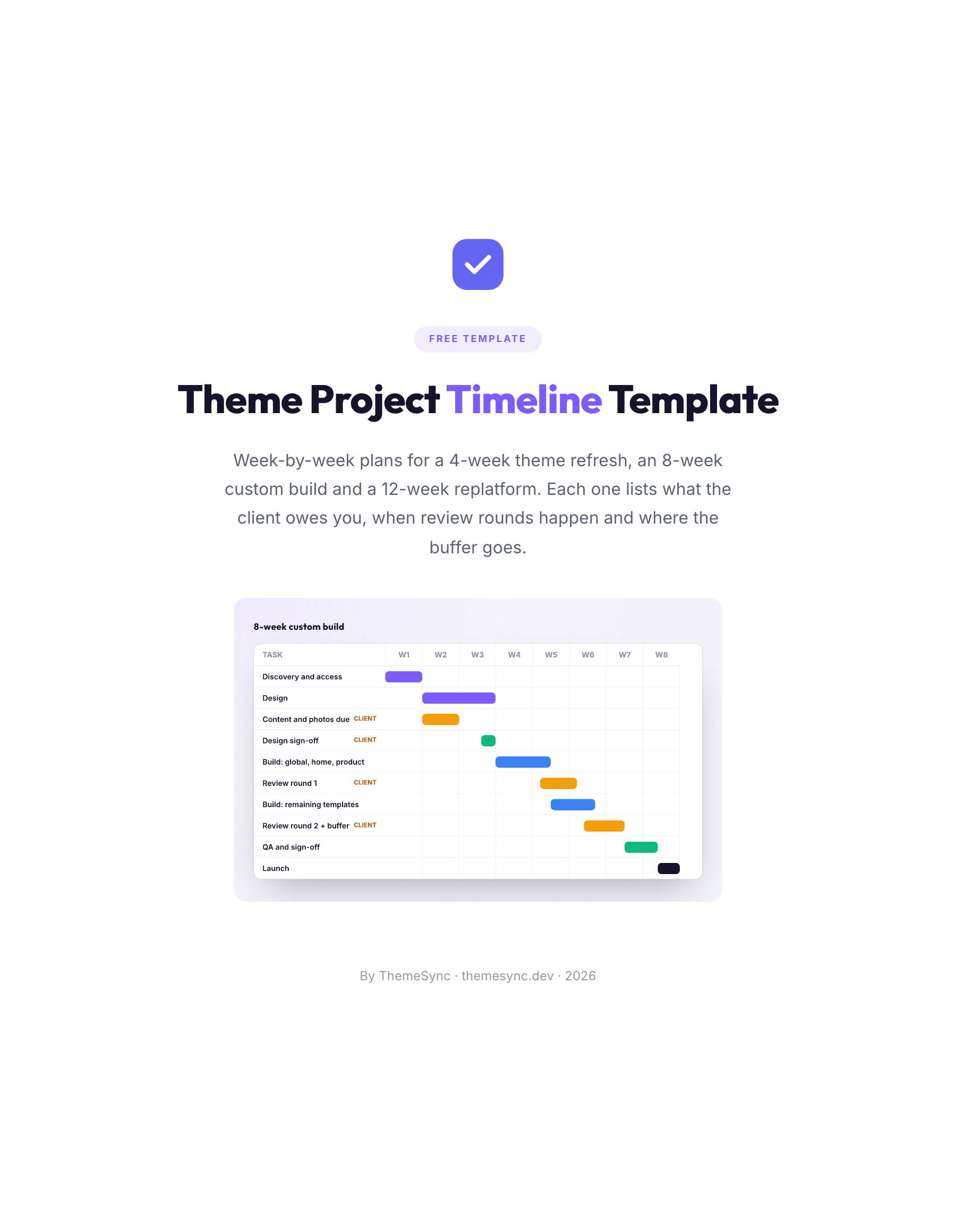 TemplateTheme Project Timeline TemplateWeek-by-week plans for a 4-week refresh, an 8-week custom build and a 12-week replatform, with client inputs, review rounds and buffers.